<img height="1" width="1" style="display:none;" alt="" src="https://px.ads.linkedin.com/collect/?pid=4760706&amp;fmt=gif"> Skip to main content

LIT SUITE

One connected litigation workflow from prep to trial

LIT SUITE offers a robust suite of iPad apps that allow litigation teams prepare, organize, and present cases in a single place.

  • Used by solo litigators & litigation teams
  • Get productive with the apps in less than 1 hour
  • iPad-first workflow

END-TO-END LITIGATION WORKFLOW

The only end-to-end litigation workflow built for iPad

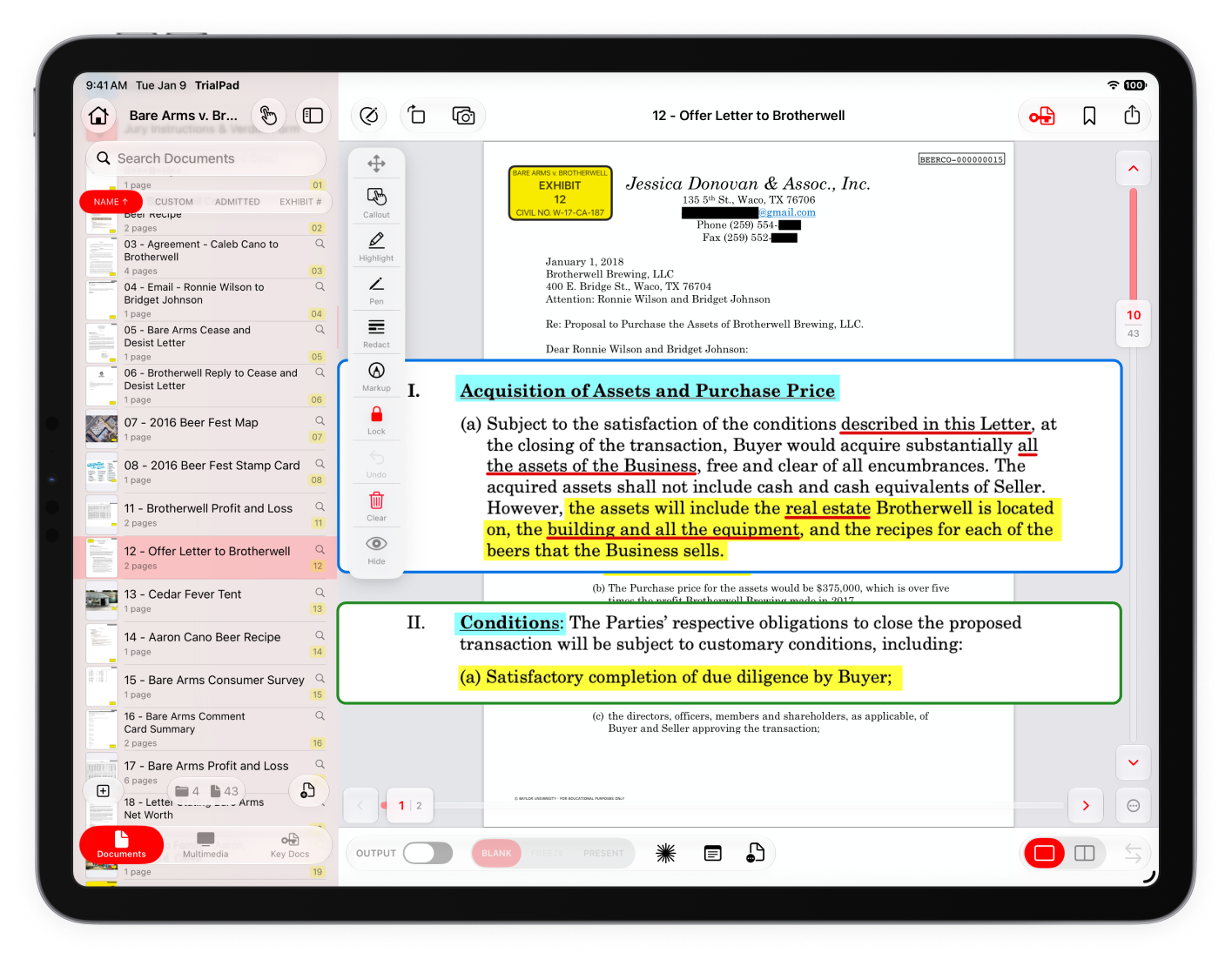
Deliver clear, compelling presentations that keep judges, jurors, and arbitrators focused on your evidence.

Explore TrialPad
TrialPad screenshot

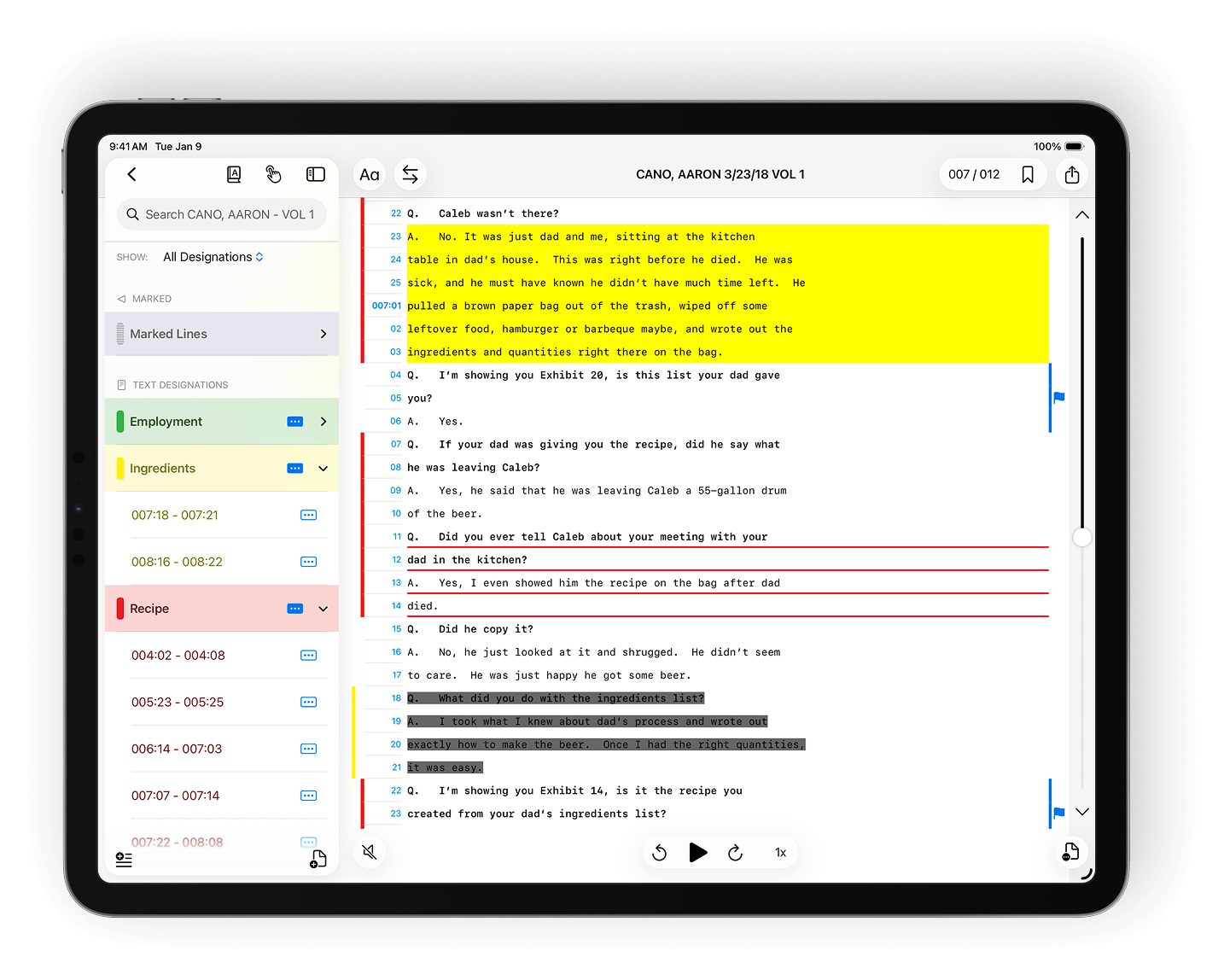
Create designations, assign issue codes, and apply highlights, redactions, and notes with precision.

Explore TranscriptPad
TranscriptPad screenshot

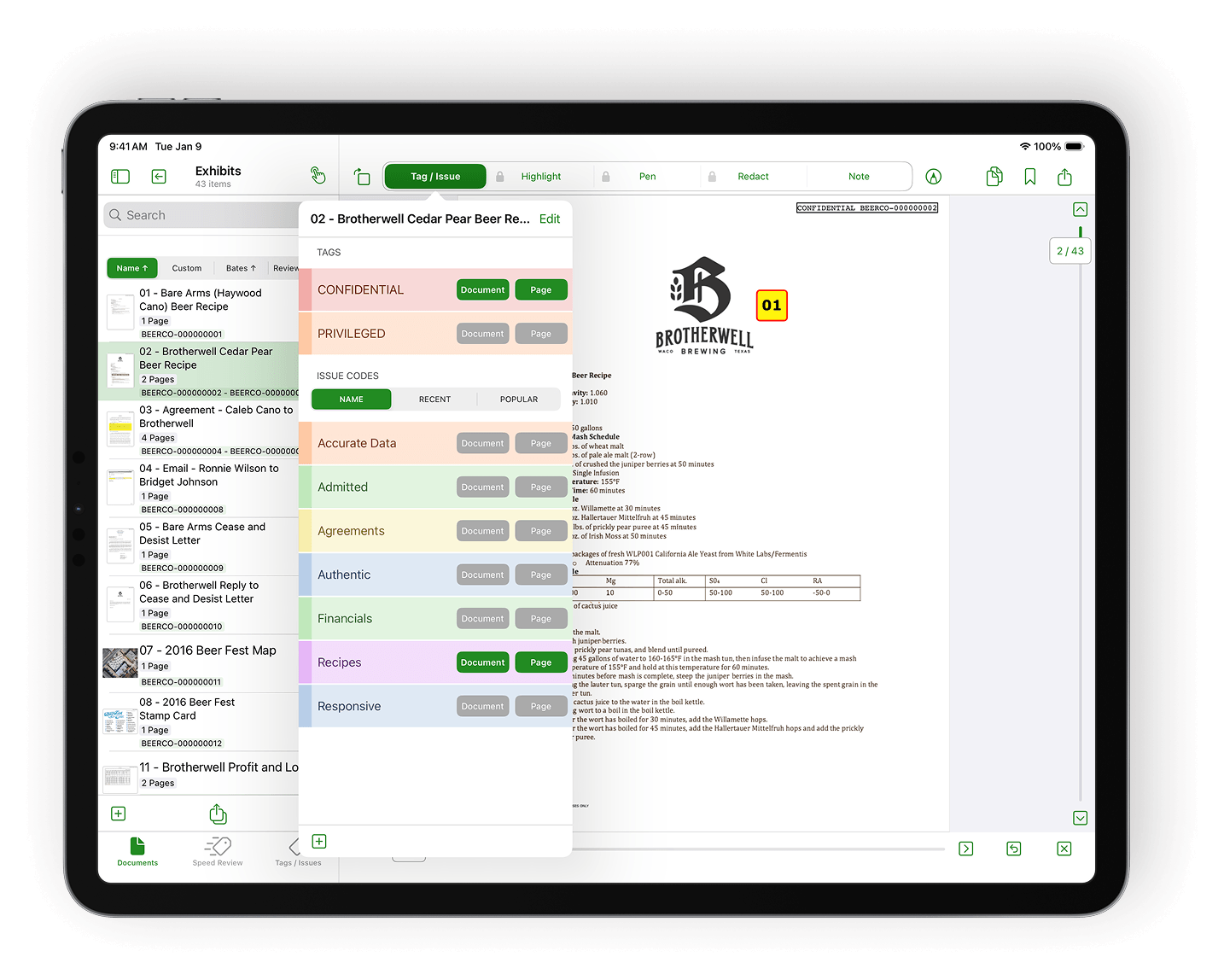
Assign tags and custom issue codes to pages or entire documents for organized review.

Explore DocReviewPad
DocReviewPad screenshot

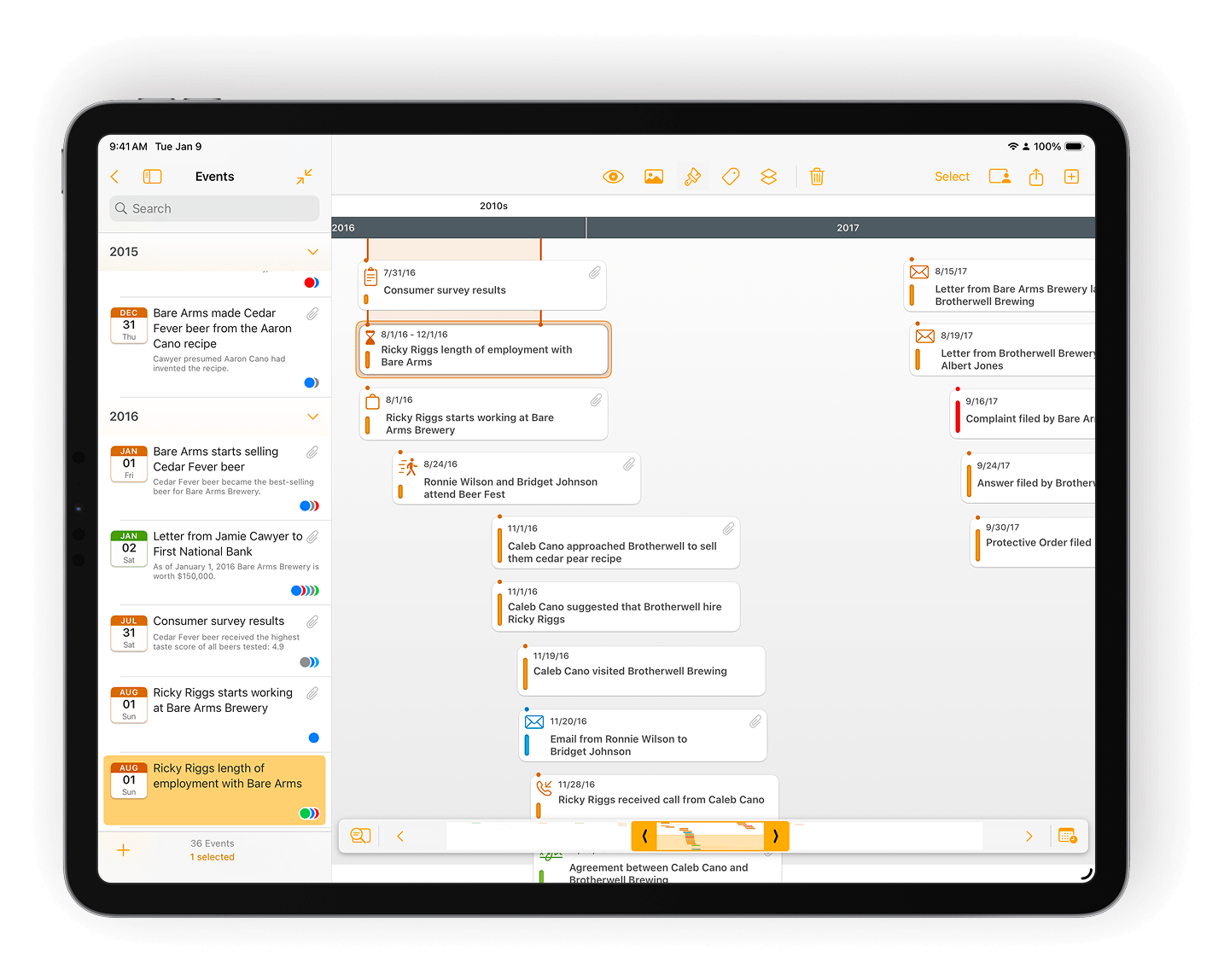
Build visual timelines that make your case story easy to follow.

Explore TimelinePad
TimelinePad screenshot

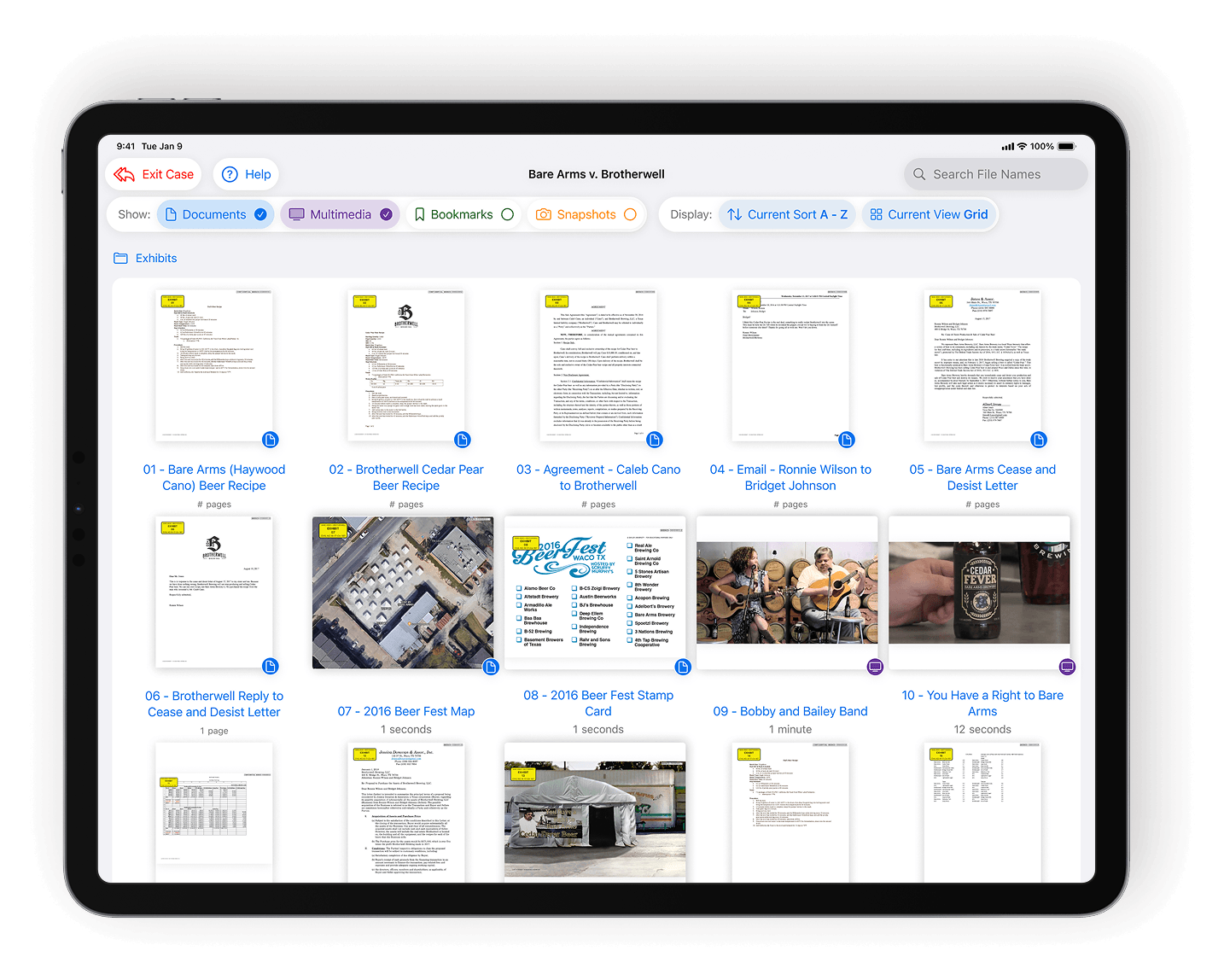
Load identical exhibit sets onto multiple iPads for uniform jury access.

Explore ExhibitsPad
ExhibitsPad screenshot

Get productive with the LIT SUITE in less than 1 hour

Step 1

Download and open the apps you need

Install LIT SUITE from the App Store.

Step 2

Drop in case material

Bring in the documents, transcripts, or exhibits you're already using. LIT SUITE works with your existing files.

Step 3

Start working your case

Highlight, tag, clip, and organize as you review. The structure you add is immediately usable across the suite.

WHAT THE LIT SUITE REPLACES

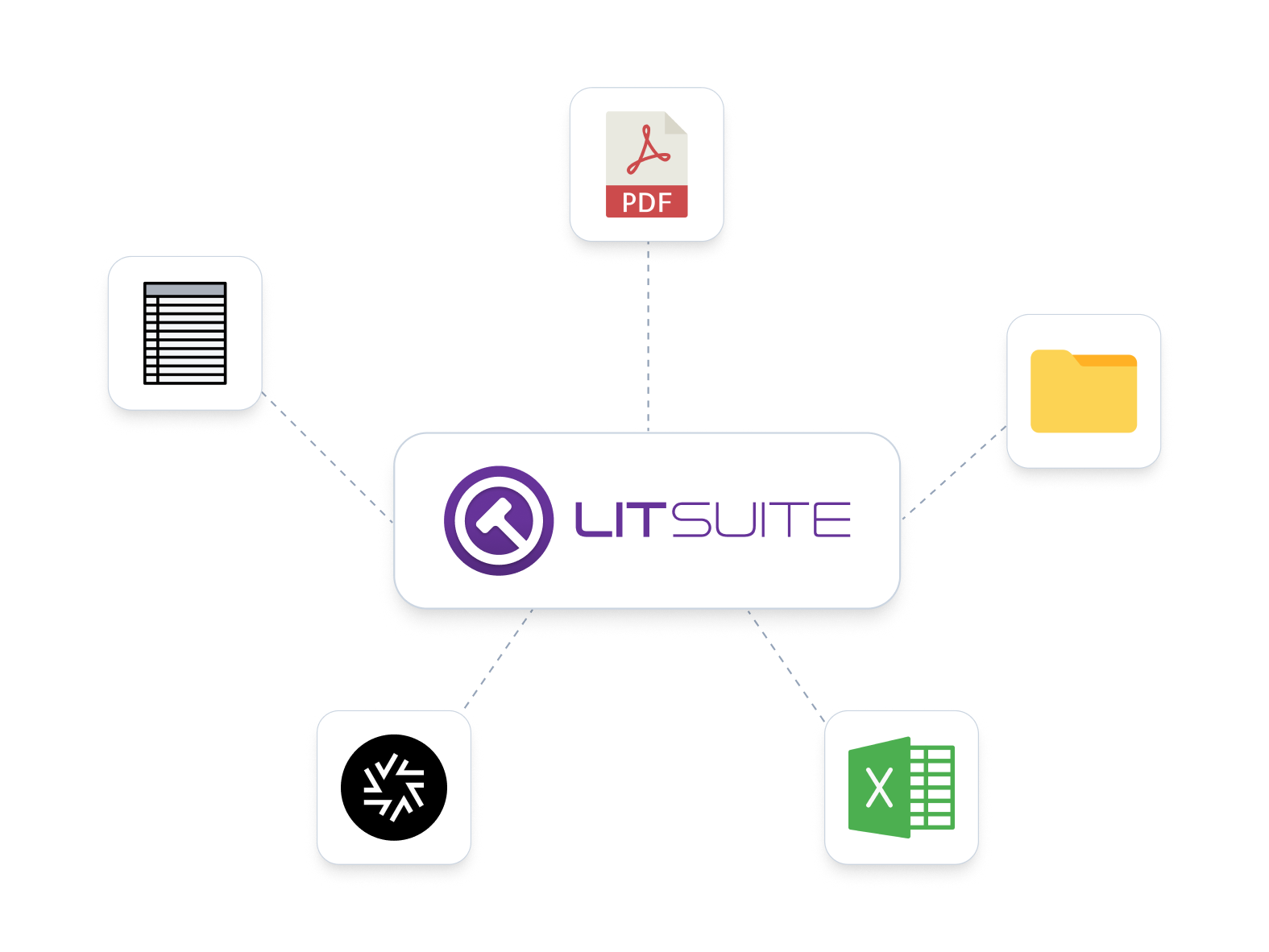
Built to replace a fragmented litigation workflow that was never designed to work together

Most litigation teams rely on a patchwork of tools that don’t talk to each other. LIT SUITE brings everything into one simple, iPad-first workflow your whole team can use from case build through verdict.
  • Binders, PDFs, and printed exhibits
  • PowerPoint and slide-based demonstratives
  • Legacy desktop trial software from the 1990s
  • Expensive hot seaters and trial-tech services
  • Disconnected point tools for prep, review, and presentation
Fragmented Graphic v2

Frequently asked questions

What exactly is included in LIT SUITE?

You get access to all five LIT SUITE apps (TrialPad, TranscriptPad, DocReviewPad, TimelinePad, and ExhibitsPad) working together as one connected workflow.

Can I buy the apps individually instead of the bundle?

The apps are not sold or priced separately. LIT SUITE is a single subscription that includes all five apps. If you only want to use one app (for example, TrialPad), you can download just that app from the App Store while remaining subscribed to LIT SUITE.

Can I try LIT SUITE before committing?

Yes. Solo Litigator includes a 7-day App Store free trial. Litigation Teams can request an extended evaluation or team pilot.

I’m already using LIT SUITE from the App Store. What happens if my team wants to adopt it?

When you move from Solo Litigator to Litigation Teams, we credit your existing App Store purchases toward your team rollout.

Is training included?

Litigation Teams includes quarterly, team-specific training. Solo Litigator can add paid training if needed.

Do you offer pilots for teams?

Yes. Litigation Teams can run a pilot to validate fit and rollout approach before expanding more broadly.

WORKING IN A LITIGATION TEAM?

Get priority customer support

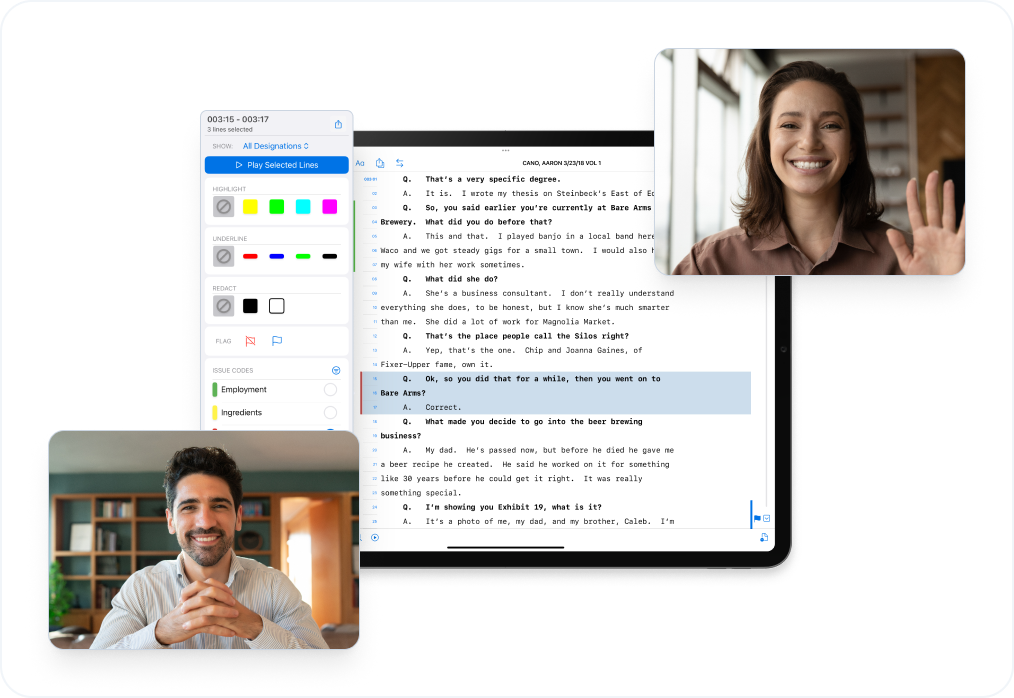
Get onboarding, training, and real-time support from litigation software experts.
customer support image
  • Guided onboarding and firm rollout
  • Priority support for active trial teams
  • Optional live screen-share sessions for setup and prep
  • Quarterly, team-specific training included
Contact Support

Download LIT Suite in seconds.
Take control of your case in minutes.