Turn your next commute into deposition review time with TranscriptPad for CarPlay!
When we first created TranscriptPad, our goal was simple:
Give lawyers the ability to carry every transcript in a case with them everywhere they go.
At the time, that meant putting deposition transcripts on the iPad, so lawyers could review testimony anywhere — in the office, in court, at home, or on the road.
Later, we brought TranscriptPad to Mac, and with iCloud integration, attorneys gained seamless continuity between devices. Review transcripts at your desk, continue on your iPad in court, and pick up right where you left off.
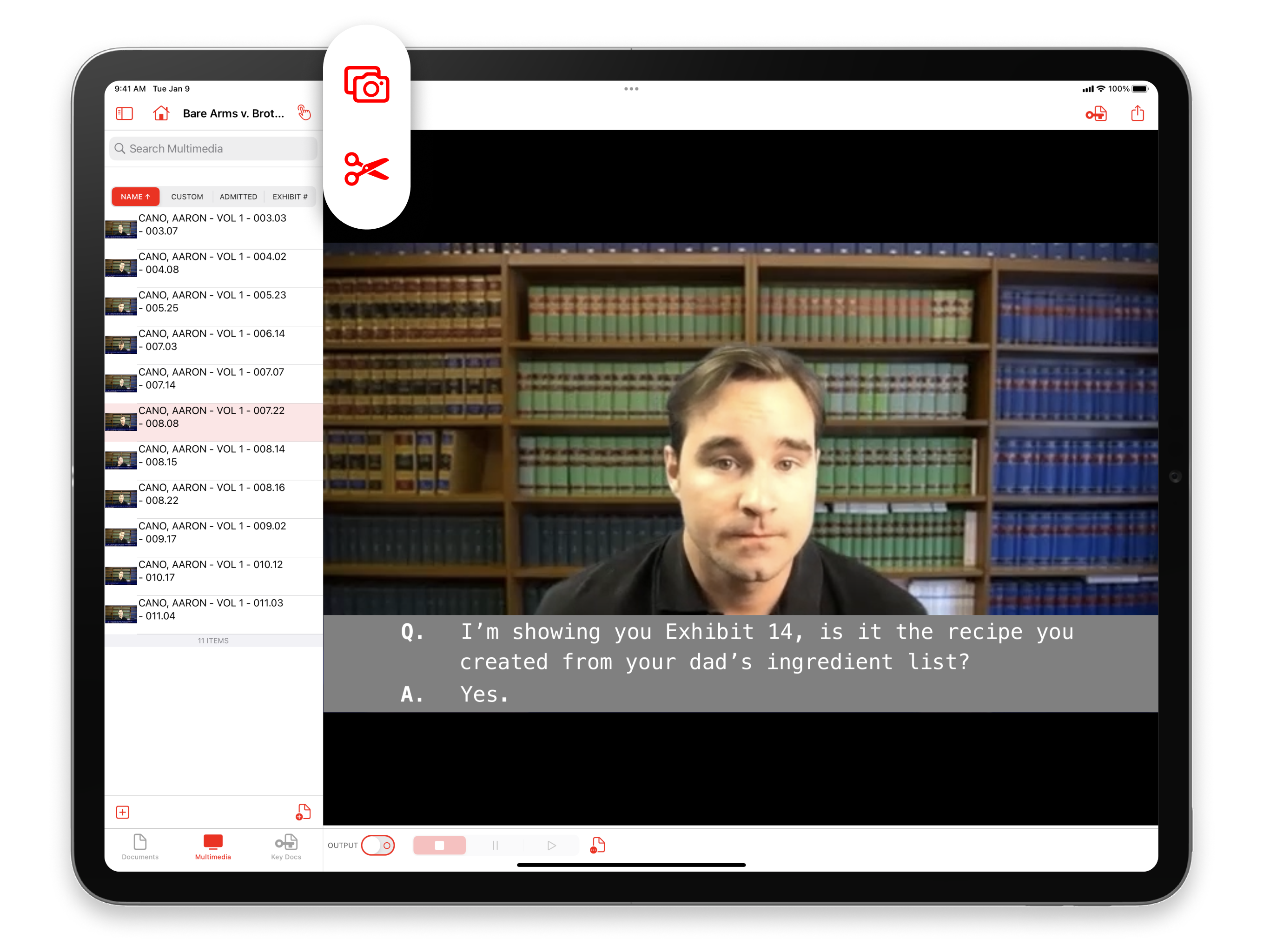
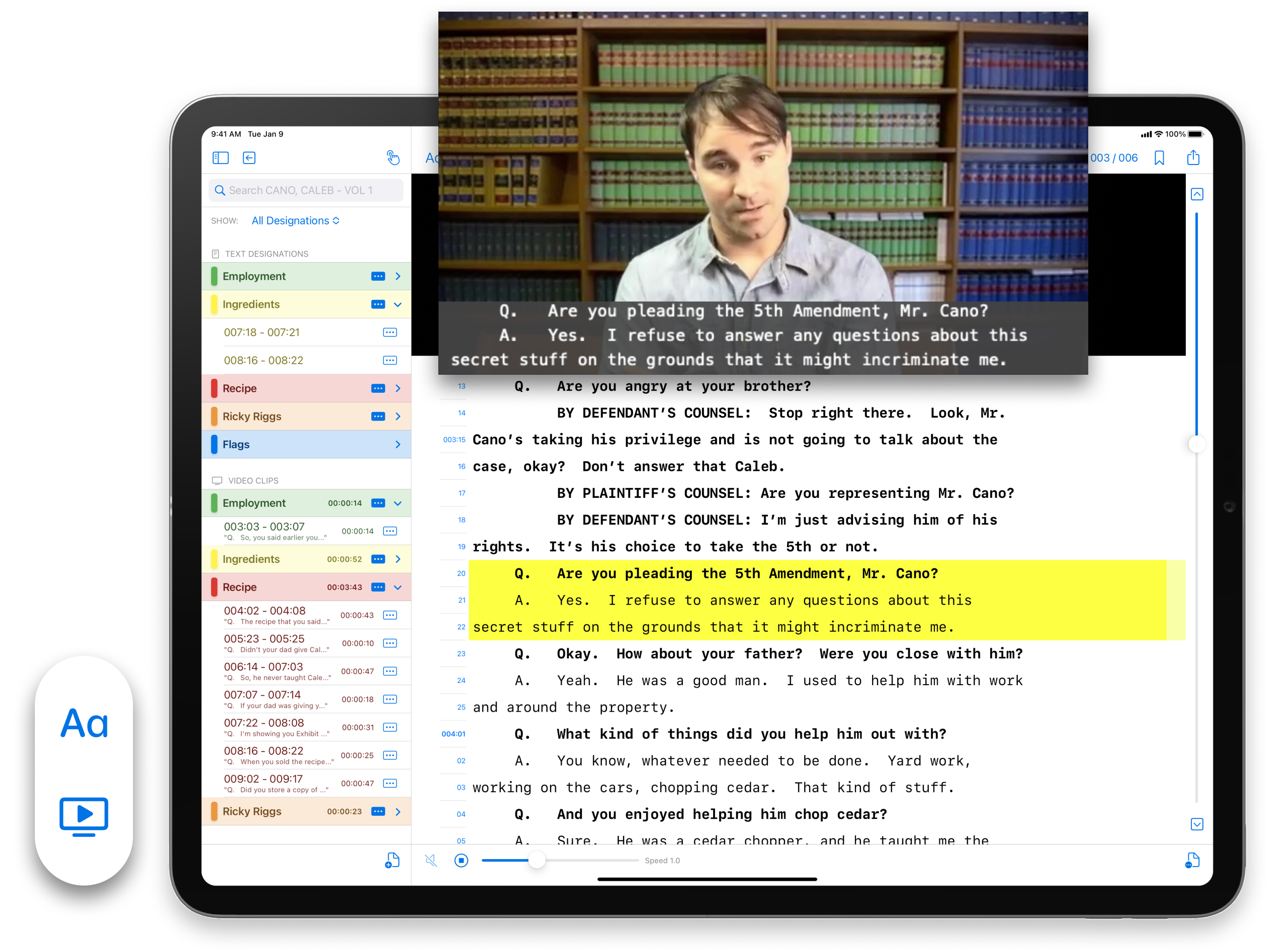
Then something even more powerful happened. When we introduced free video syncing, lawyers suddenly had the ability to link the spoken testimony of a deposition to the written transcript themselves — instantly. Instead of paying third-party vendors to sync video depositions, attorneys could do it with a single tap. For many firms, that change alone began saving thousands of dollars per matter while putting complete control of deposition video editing directly in the hands of the litigation team.
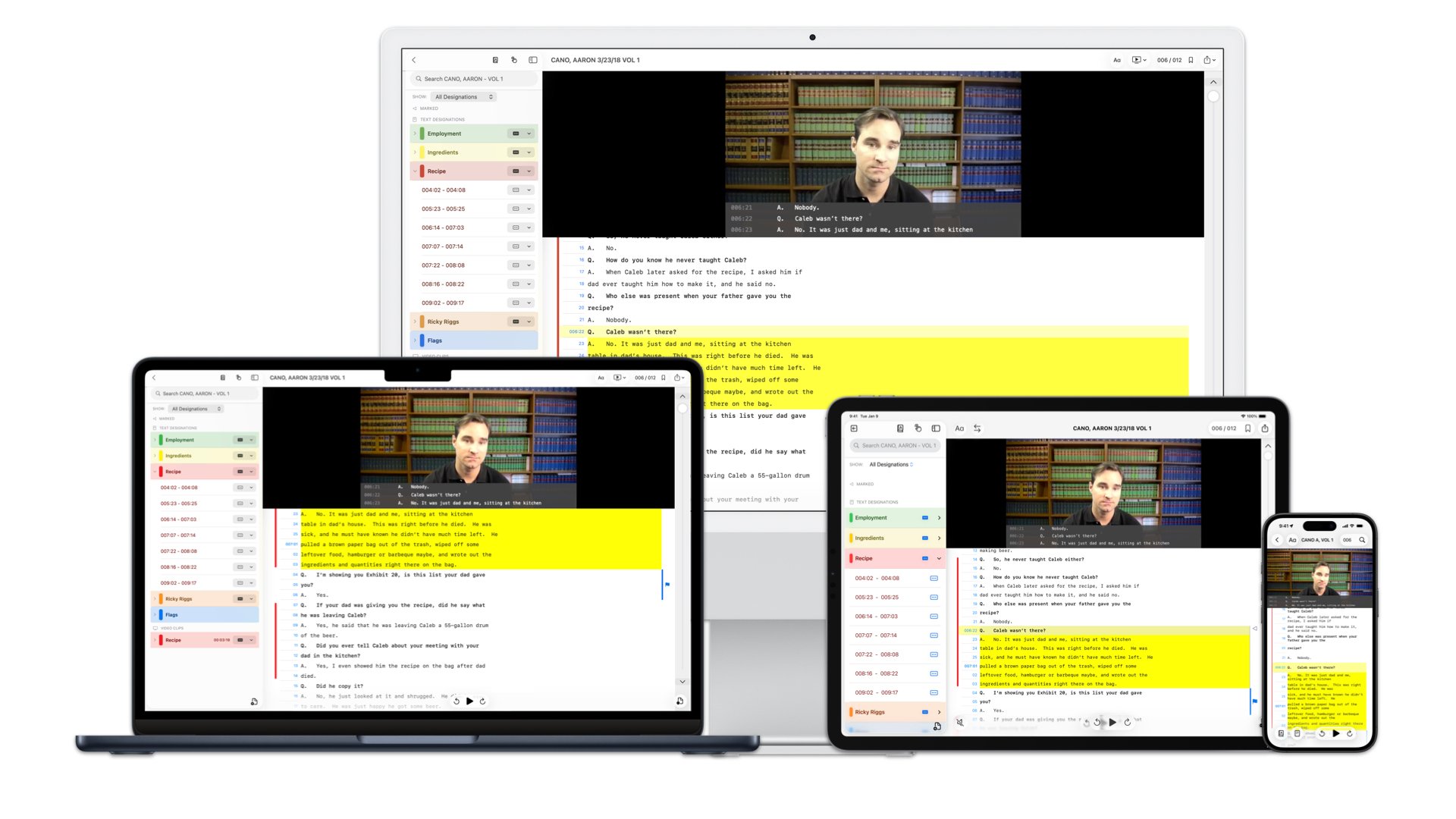
Late last year we introduced TranscriptPad for iPhone, bringing the entire transcript review workflow to the device lawyers carry with them everywhere.
With the iPhone version, attorneys can:
- Access every case transcript anywhere
- View synced deposition video
- Continue review work started on iPad or Mac
- Instantly capture important testimony
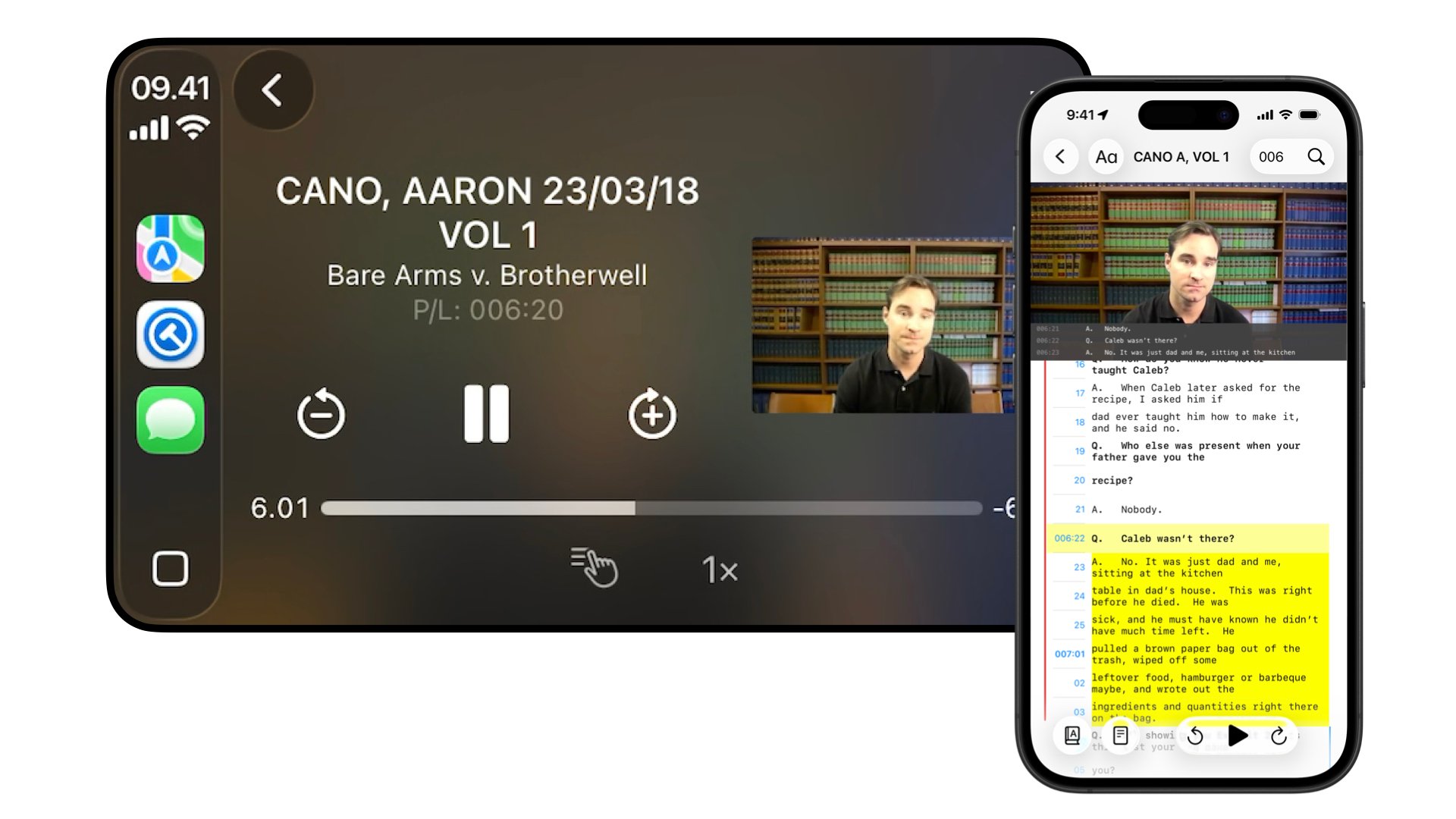
The iPhone version also introduced a powerful new feature called Marked Lines, perfect for reviewing while listening to the transcript via the synced video, or the Speak Transcript feature. When you hear something important in a transcript, simply double-tap your iPhone screen, and TranscriptPad immediately captures the entire question and answer for later review.
Those marked lines sync with your transcript on your iPad or Mac, where they can be:
- Issue coded
- Annotated
- Copied directly into motions or briefs
- Converted into impeachment material
- Turned into video clips
In other words, the moment you hear important testimony, you'll never lose it again.
Now, we’re taking transcript mobility even further...
Introducing TranscriptPad for CarPlay
With our newest release, TranscriptPad now works with Apple CarPlay.
This allows lawyers to review deposition testimony while driving — completely hands-free.
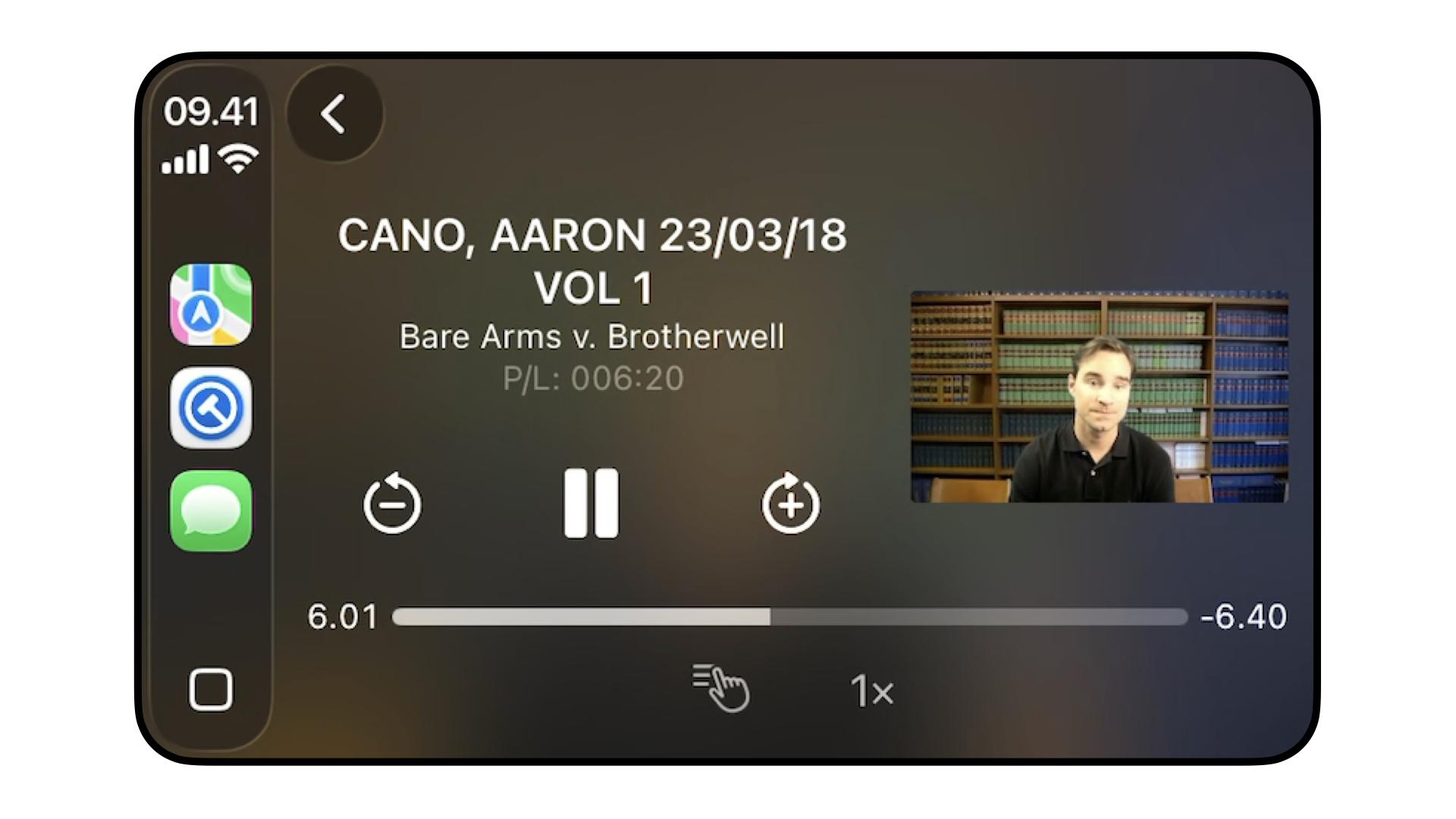
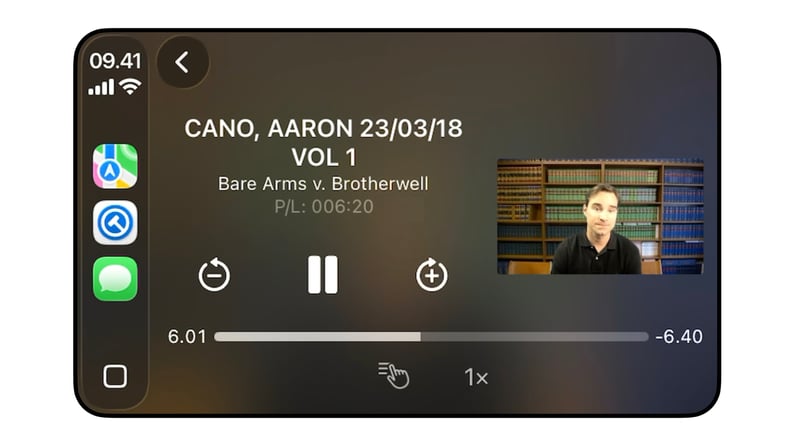
Turning your next commute into productive time, TranscriptPad now allows attorneys to listen to transcripts like a podcast.
Using CarPlay, you can:
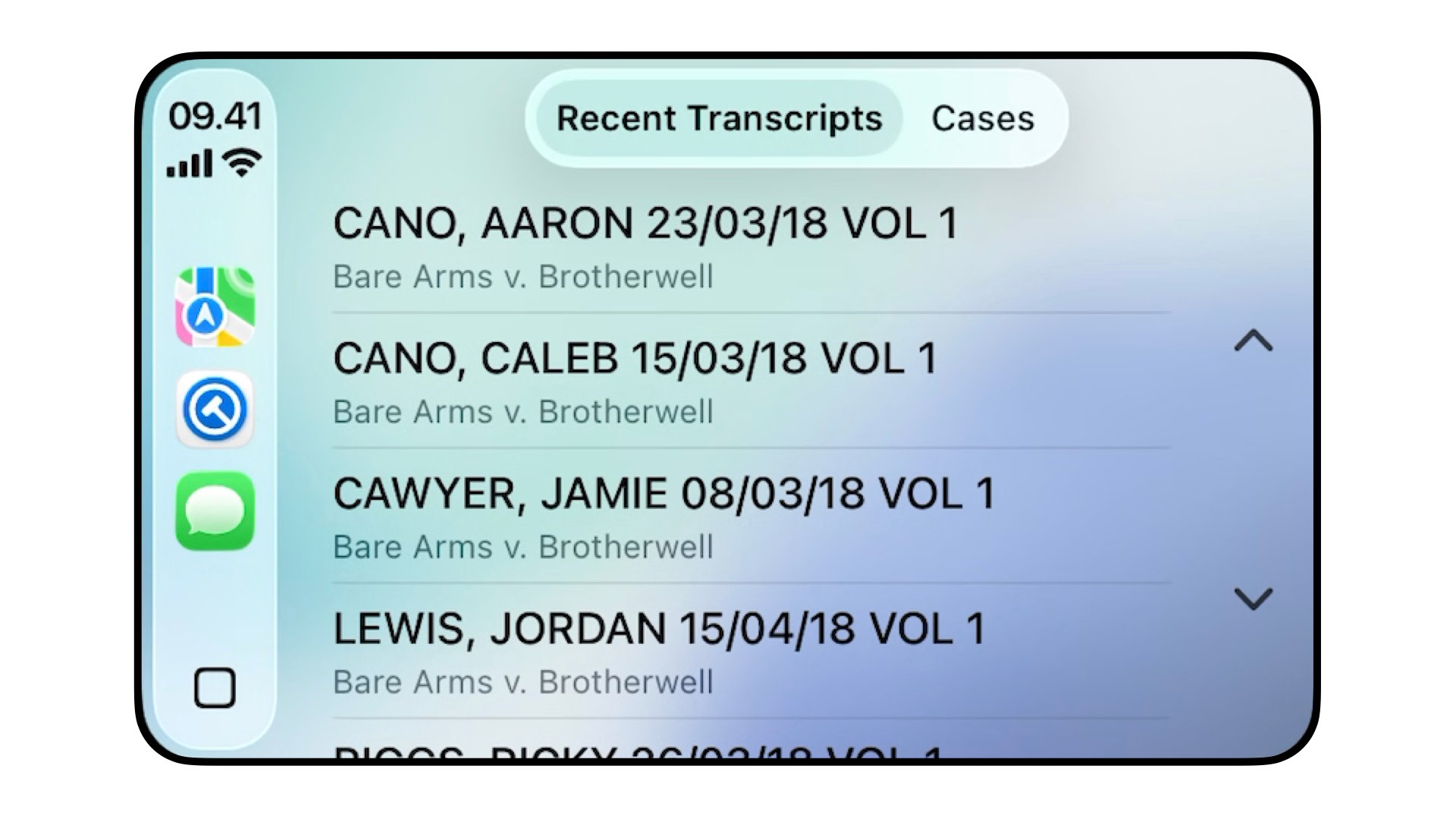
- Browse any case stored on your iPhone
- Access recent transcripts
- Listen to synced video depositions
- Have transcripts read aloud using Apple’s built-in voices
- Choose different voices for questions and answers
- Adjust playback speed for faster review
Just like on the iPhone, you can also mark important testimony with a single tap on your vehicle display. The Marked Lines are automatically saved to your Case File and will be waiting for you later on your iPad or Mac for deeper review and analysis.
Review Depositions Anywhere
Think about the time lawyers spend in transit:
Driving to depositions. Driving to mediation. Traveling between offices or courthouses. Long commutes home after a late day of trial prep.
TranscriptPad for CarPlay turns that time into productive case preparation.
Instead of waiting until you’re back at your desk, you can now, listen to deposition testimony, review synced video depositions, capture important admissions, and mark that testimony for later use, all safely and hands-free.
Seamless Access Across iPad, Mac, iPhone, and CarPlay
With the power of TranscriptPad, your workflow now moves effortlessly between all your devices when stored in iCloud, meaning the work you do on one device instantly appears on the others. Start reviewing a transcript in your car, continue marking testimony on your iPhone, and finish analyzing it on your iPad.
Your entire case travels with you.
In creating the LIT SUITE, our mission has always been to help lawyers practice more efficiently in a mobile environment, because we understand that litigation doesn’t happen in one place. Now in courtrooms, deposition, in hallways, on your morning run, and in your car when you commute, deposition review can fit naturally into the rhythm of your day.
Get Started Today
To start using TranscriptPad for CarPlay:
- Download TranscriptPad for iPhone
- Store your transcripts in iCloud
- Connect your iPhone to Apple CarPlay
Then turn your next drive into deposition review time.
Download TranscriptPad for iPhone today and experience the most flexible transcript workflow available to litigators.