DocReviewPad and TrialPad now automatically read and index every document in a case in the background, including documents that were never OCR’d, the moment they're imported. There's no setup, no manual OCR step, and no waiting. Search finds the actual content of every document, not just file names and Bates numbers. Search also got smarter: it's no longer limited to exact-phrase matches, and results come back dramatically faster.
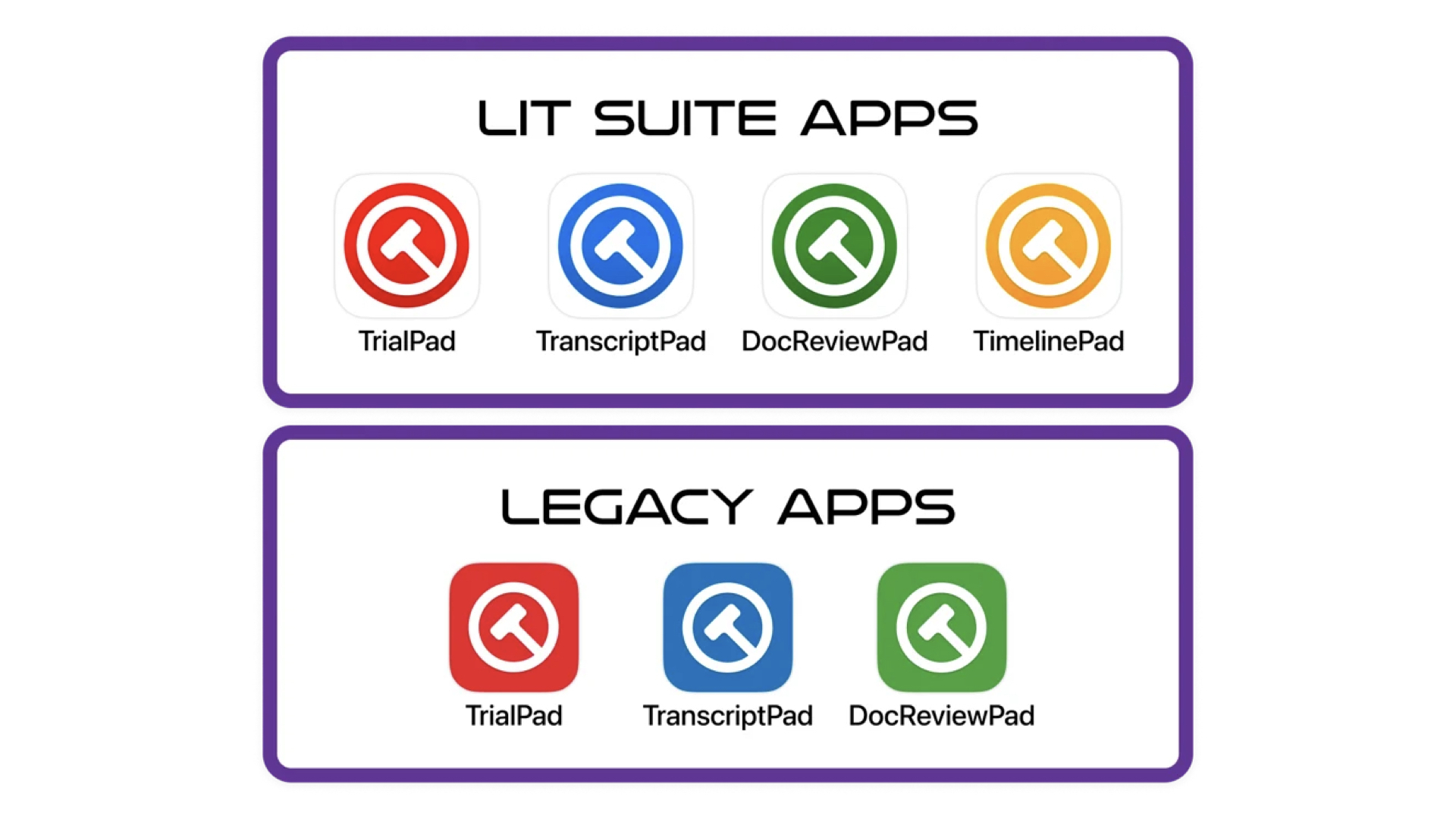
This works the same way in both apps, so nothing changes about how a customer moves from reviewing documents in DocReviewPad to presenting them in TrialPad
Smarter Document Search: More Powerful, More Flexible, More Impactful
The WhitDocReviewPad and TrialPad now automatically read and index every document in a case in the background, including documents that were never OCR’d, the moment they're imported. There's no setup, no manual OCR step, and no waiting. Search finds the actual content of every document, not just file names and Bates numbers. Search also got smarter: it's no longer limited to exact-phrase matches, and results come back dramatically faster.
This works the same way in both apps, so nothing changes about how a customer moves from reviewing documents in DocReviewPad to presenting them in TrialPad:
DocReviewPad and TrialPad now automatically read and index every document in a Case File the moment they're imported. This happens in the background, and includes documents that were never OCR’d. There's no setup, no manual OCR step, and no waiting. Document Search knows and finds the content of every document, not just file names and Bates numbers. Search also got smarter: it's no longer limited to exact-phrase matches, and results come back dramatically faster.
This works the same way in both apps, so nothing changes about how a you move from reviewing documents in DocReviewPad to presenting them in TrialPad.
No More Waiting
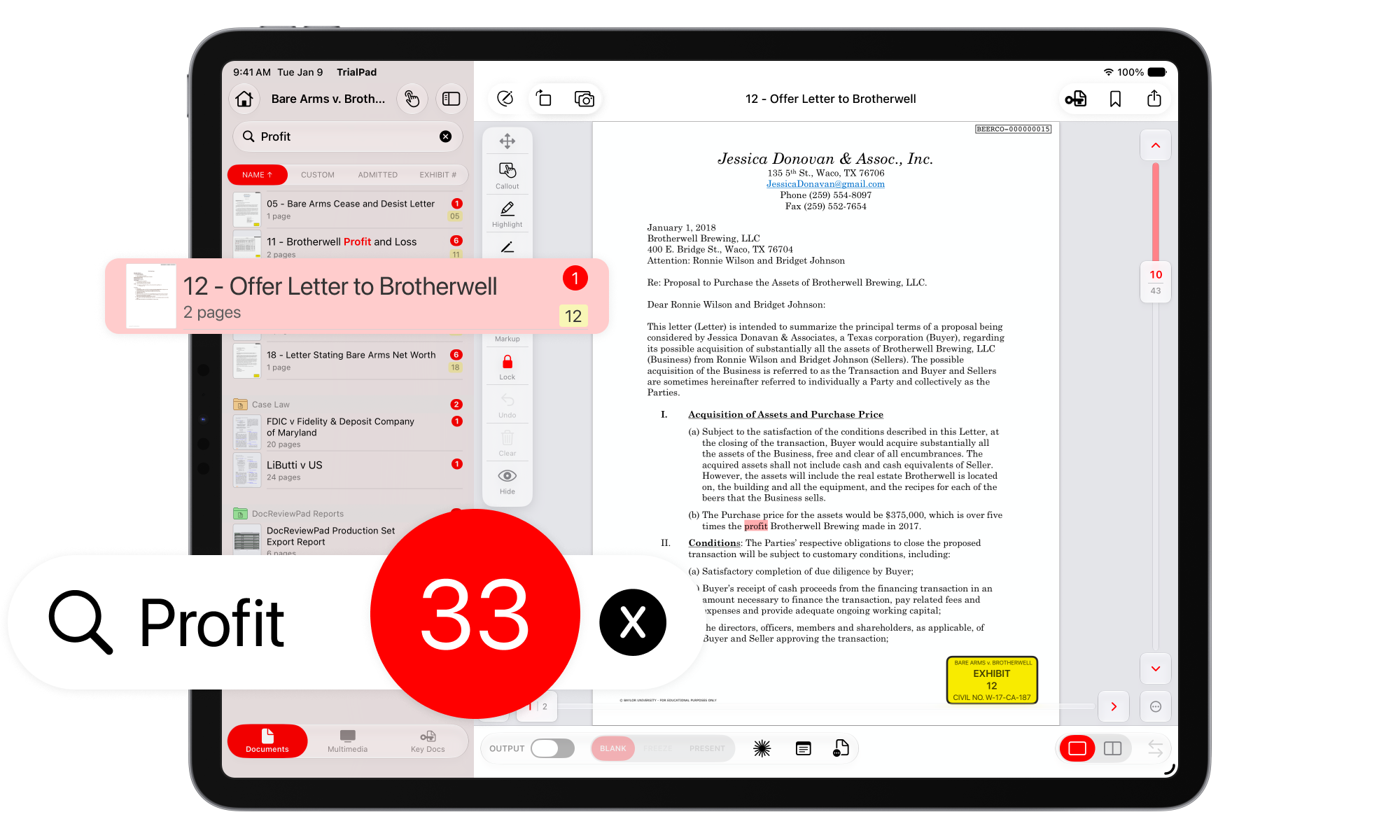
With indexed documents inside your Case File, searching is noticeably, dramatically fast. Just type what you're looking for and get results in seconds, across every document, every page, every scan. It's the kind of difference you'll notice the first time you try it. Search now yields instant answers.
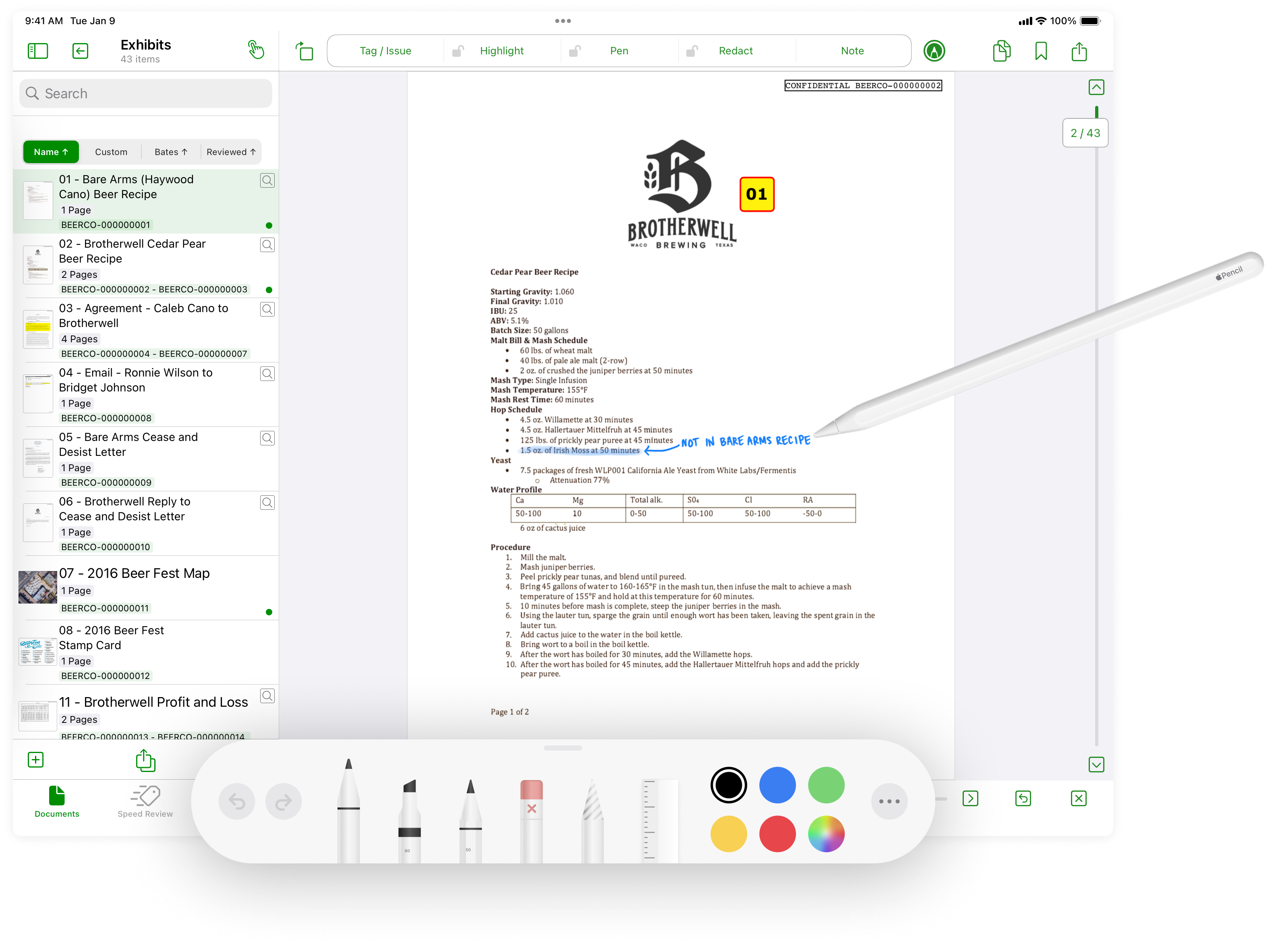
The Markup Tool lets you take your annotations further, with greater flexibility, precision, and creative control when adding handwritten notes to emphasize details, or guide a witness during examination.
Smarter, More Forgiving Search
- Finds your words anywhere on the page, in any order. Searching "wire transfer" now finds a page that says "the wire was authorized and a transfer followed", not just that exact phrase.
- Catches word variations automatically. Searching "partner" also finds partners, partnered, and partnership. There's no need to guess every form of a word.
- Documents that were never OCR'd are fully searchable too. Straight scans, old faxes, photographed exhibits now gets read and indexed automatically, right alongside everything else.
Pinpoint Results
- Results show exactly which pages match, and how many times. Tap a page to jump straight to it.
- Every matching word is highlighted on the page, including on scanned pages.
- You can keep working while a case indexes in the background, including on cases you've had open for a while, which only need to index once.
Not Every Word Makes It Through
Some documents hand over most of their text, but not all of it. Nothing looks wrong, so nothing gets flagged. The words that didn't come through simply can't be found. Email is the most common example: the body reads fine, but the Subject, Date, From, and To fields don't. Until now, there was no way to tell DocReviewPad or TrialPad it had missed something.
Re-OCR, On Your Terms
A new Re-OCR Document action lets a user tell the app to stop trusting the document's embedded text and read its pages as pictures instead. The choice sticks, and there's always a way back.
- Available everywhere a document lives. Press-and-hold a document in the Documents list or use the popover menu on an open document in the Preview Window.
- Always there, whether or not the app thinks it's needed, because sometimes the person looking at a page can see something the app can't.
- Nothing is ever discarded. The document's original text stays exactly as it was, and the newly recognized words are added alongside it. Where the two disagree, both are kept and both are searchable.
- The choice sticks even as search itself keeps getting smarter behind the scenes — a document stays re-OCR'd until a user says otherwise. On a document already read this way, the same option becomes Use Document's Own Text, restoring it exactly.
Why It's Exciting
Now you can find every mention of a key term across thousands of pages. Document Search is especially powerful for cases with a lot of scanned discovery, where content that used to be invisible to search now surfaces automatically, with zero extra work.
Nothing about a your workflow has to change for you to benefit. Existing Case Files will automatically read and index every document the next time you open them. Now every document is fully searchable, and original documents are never altered.
It's the difference between hoping you remembered the right words, and knowing you'll find every mention, however it's worded, wherever it's hiding, even inside a scanned image.

*This is a free update for current LIT SUITE subscribers, just go to the App Store and update to the latest version! Be sure to update all devices running the LIT SUITE for continuity across your hardware platforms.