Litigation Mobility Just Leveled Up
Litigators have always needed flexibility. Depositions, hearings, travel days, client meetings — real legal work rarely happens in one place. That’s exactly why we built TranscriptPad for iPhone: so your transcripts, testimony, and case insights are always within reach.
Your Transcripts. Anywhere.
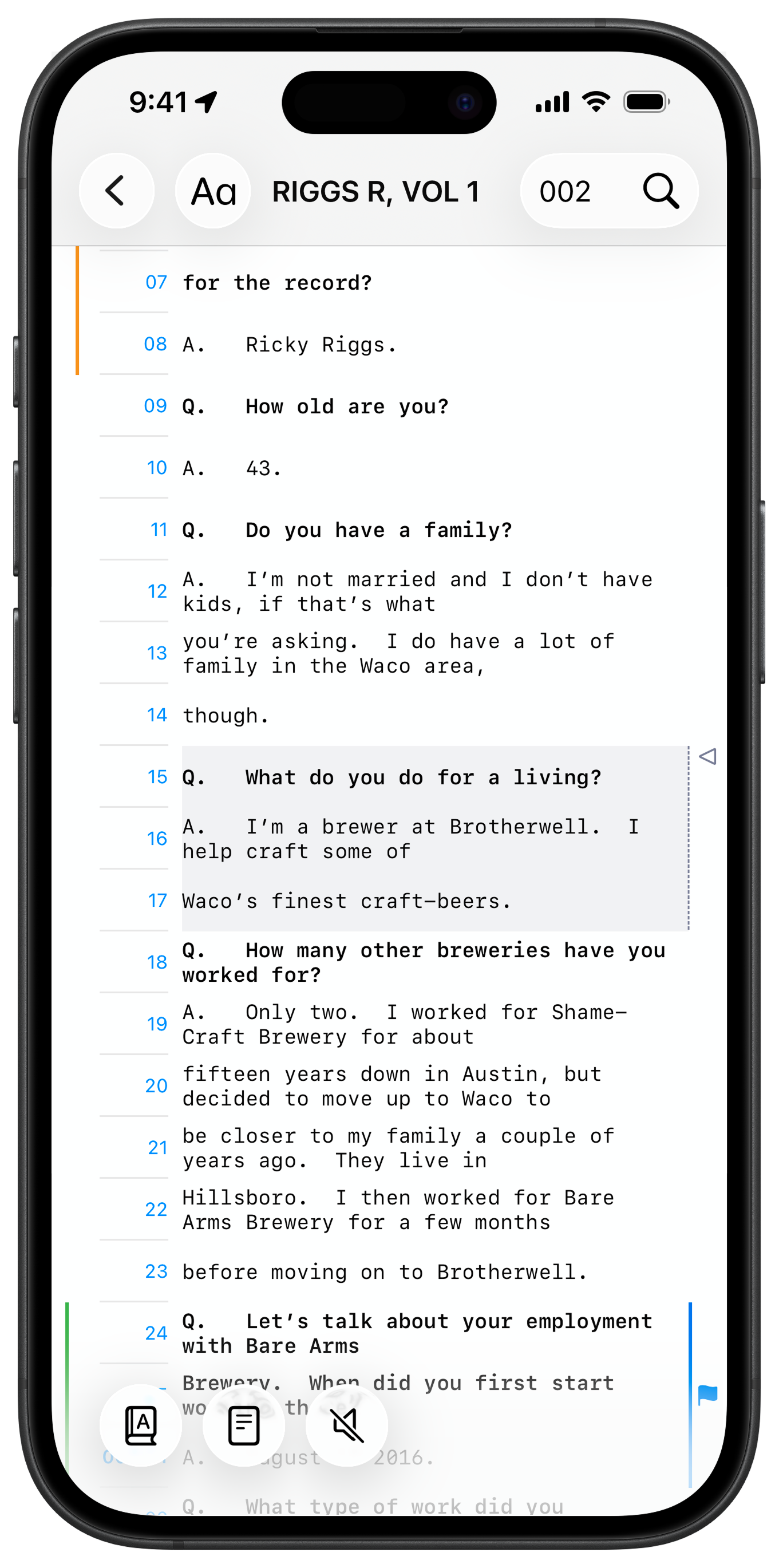
Store your Case File in iCloud, and your transcripts will automatically appear on your iPhone. That means instant access whether you’re walking into court, waiting at the airport, or reviewing testimony between meetings.
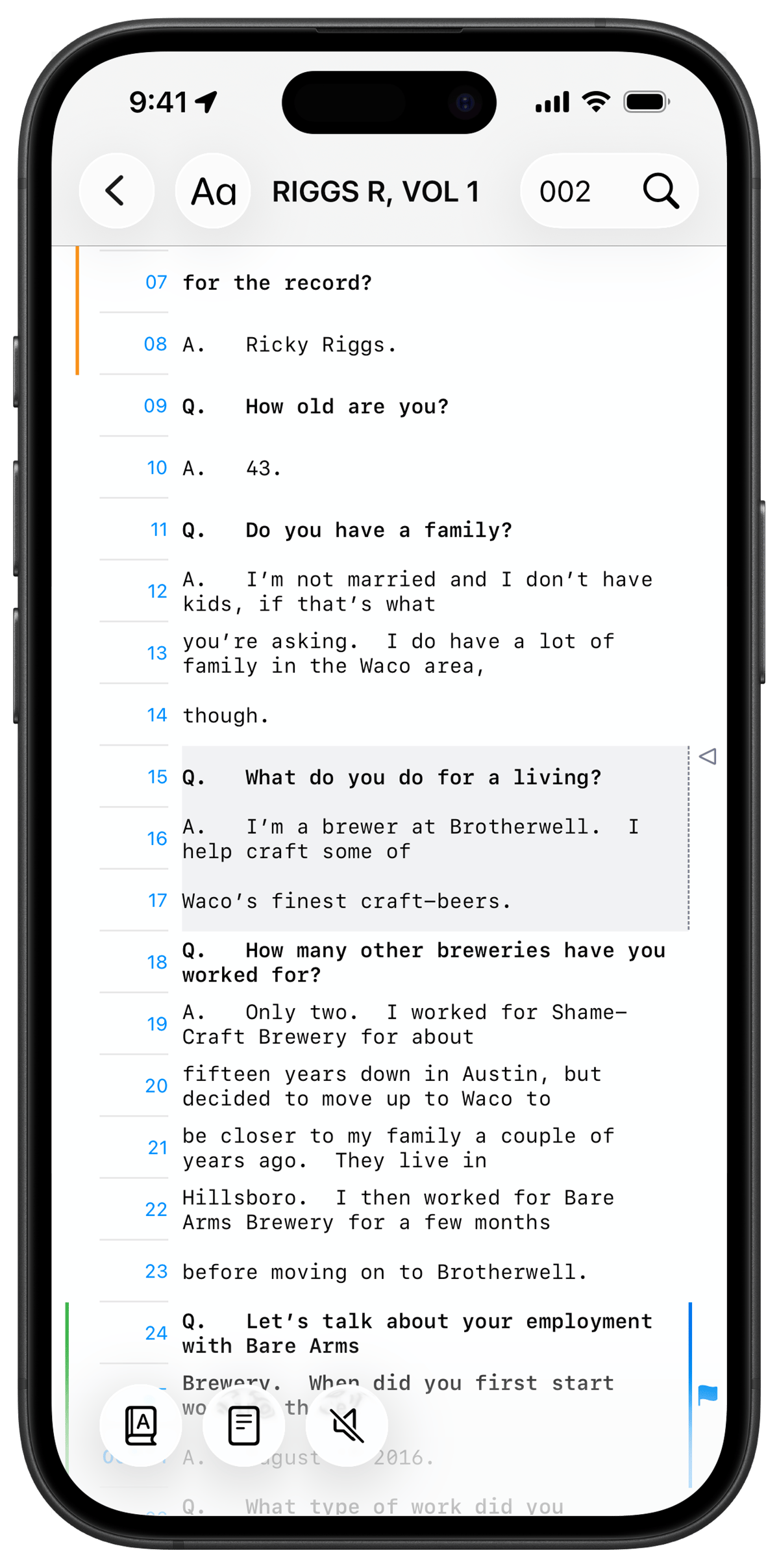
Watch and Listen to Depositions
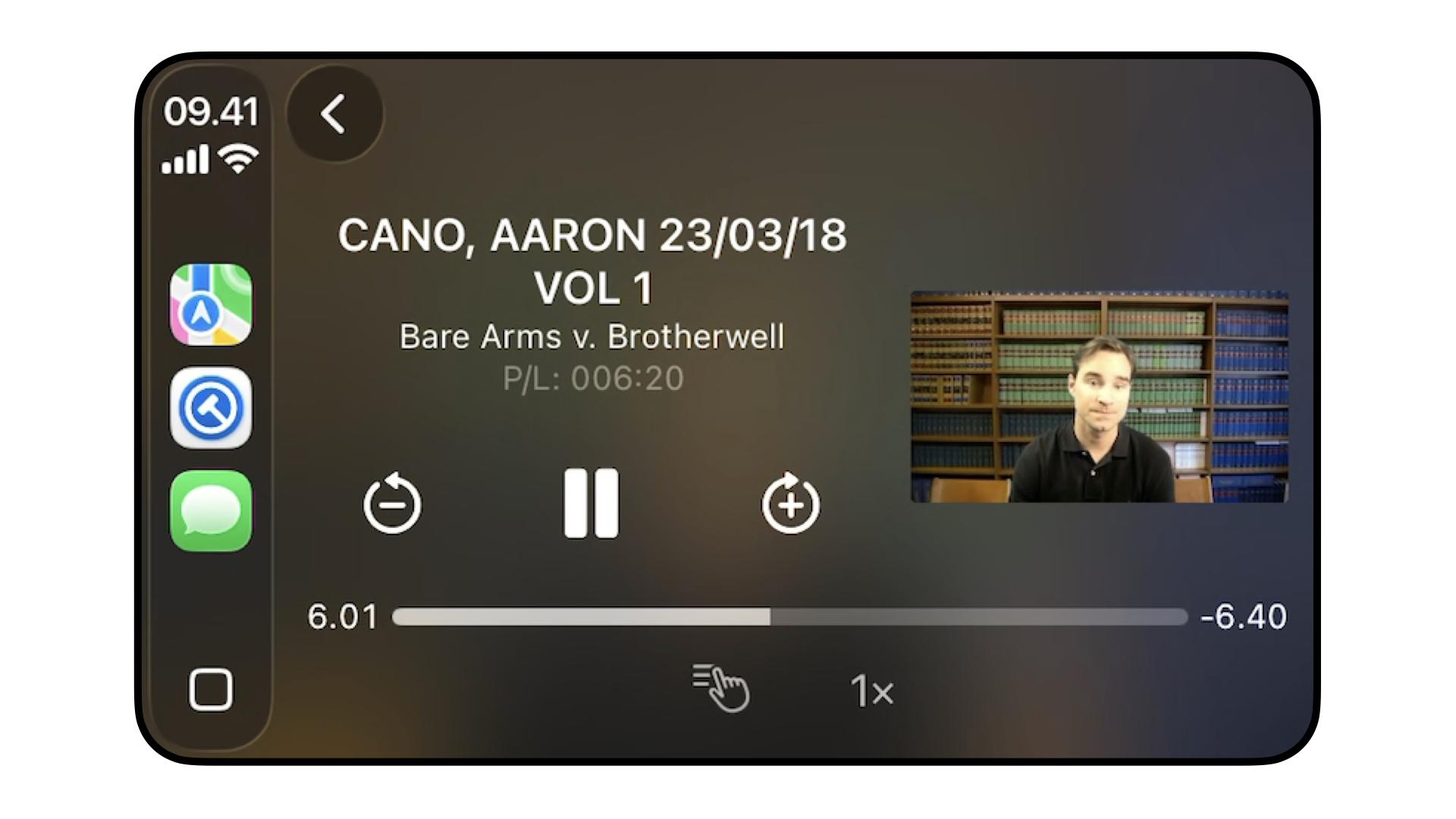
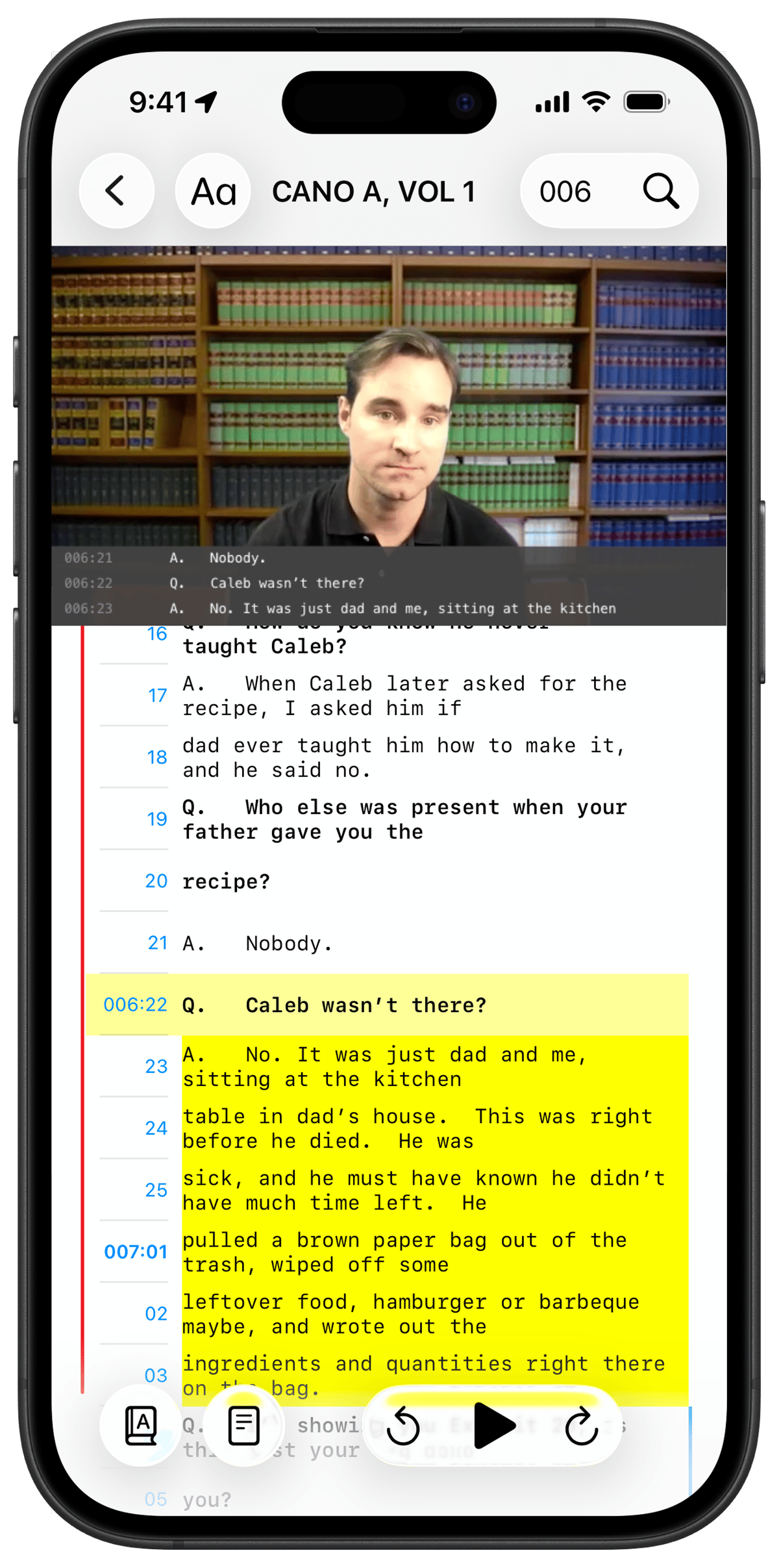
If you've synced your deposition video to your transcript in TranscriptPad, you'll hear and see the testimony directly on your phone.
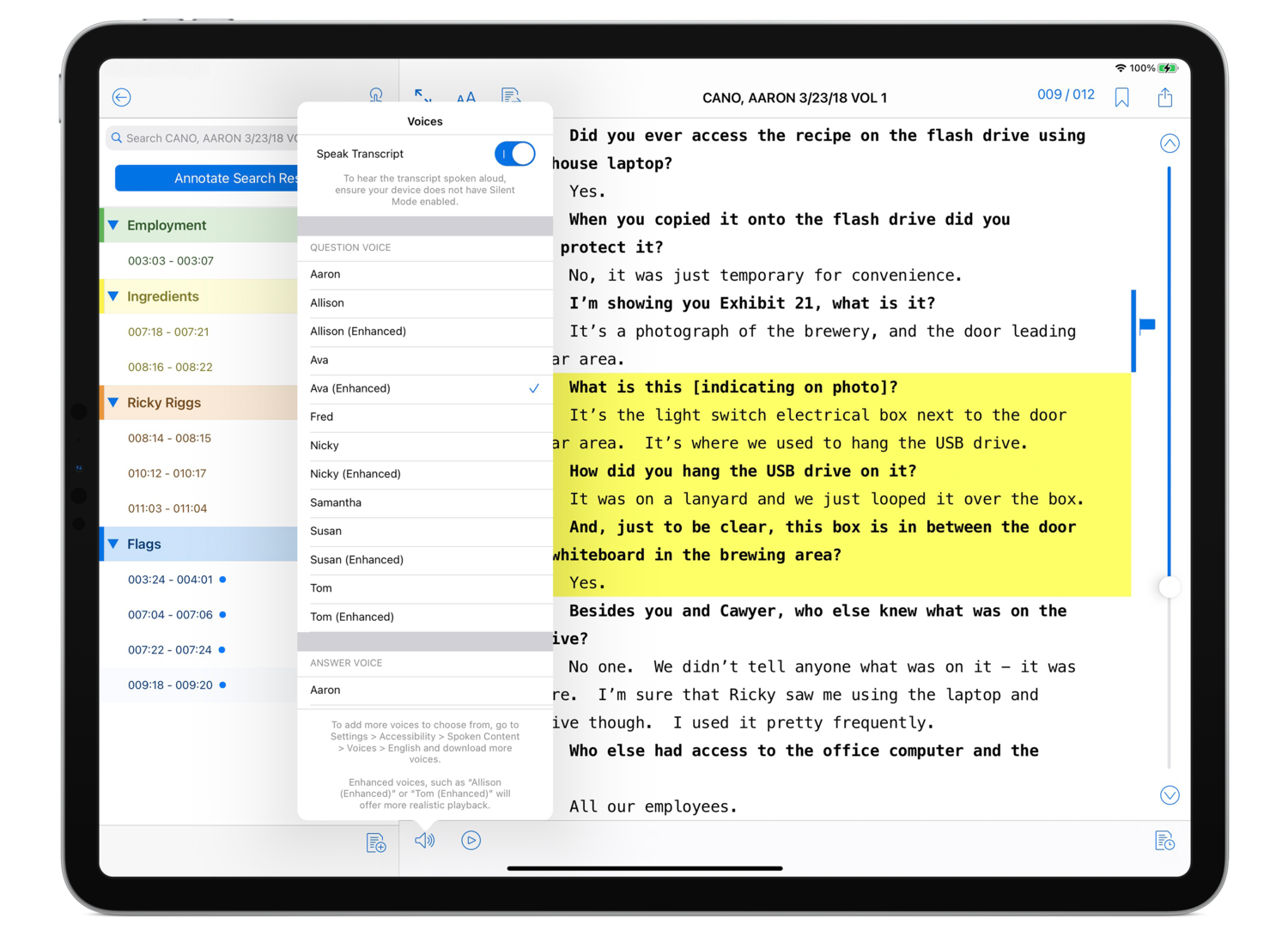
No video? No problem. The Speak Transcript feature uses Apple’s built-in voices (including any enhanced or premium voices you’ve downloaded) to read transcripts aloud — ideal for multitasking or reviewing on the move.
Built for Real-World Mobility
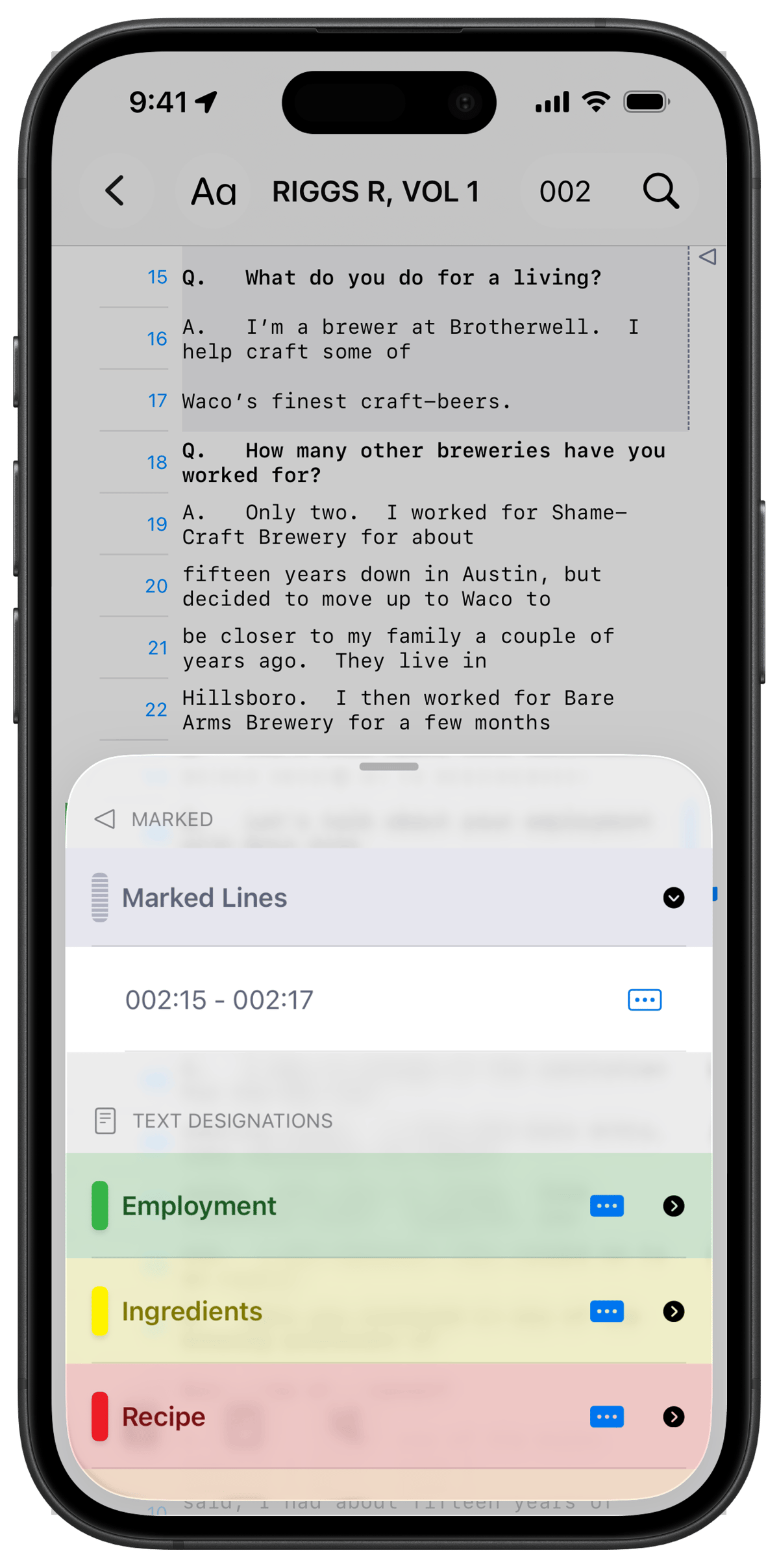
We created a brand new feature specifically for iPhone users: Marked Lines
Double-tap anywhere while listening to mark important Q&A moments.
Later, open TranscriptPad on your iPad or Mac to review, then:
• Add annotations
• Assign issue codes
• Incorporate them into your broader case strategy
Designed for the Way Litigators Actually Work
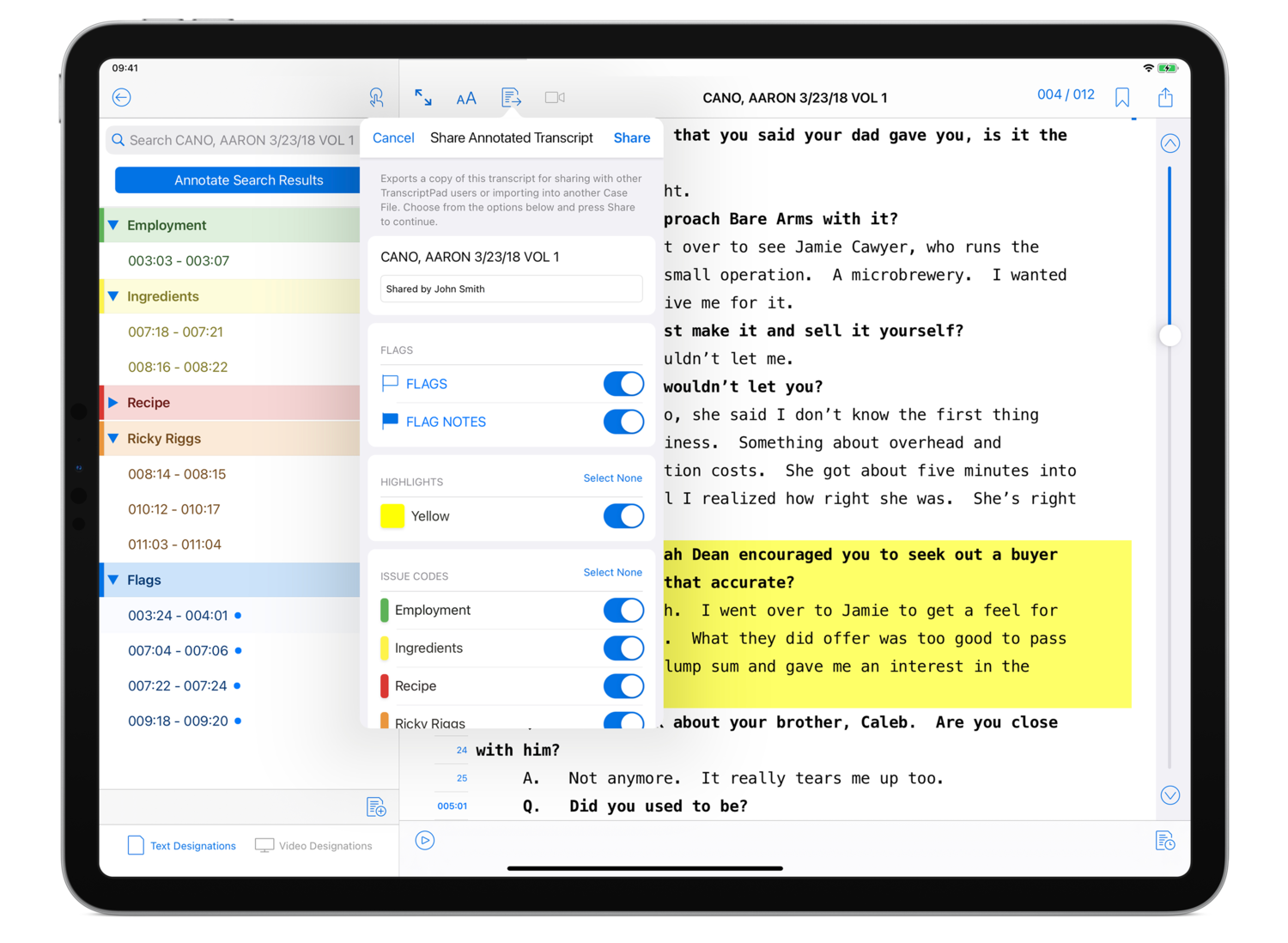
TranscriptPad for iPhone isn’t about replacing your iPad or Mac — it’s about extending your workflow so case prep can happen whenever insight strikes.
The best litigators don’t just work at their desks....they work everywhere.