As we kick off the new year, there’s no better time to make sure your hardware is set up to support your professional work with LIT SOFTWARE’s suite of apps. Whether you’re organizing case files, reviewing evidence, or preparing for trial, your technology should help, not hinder, your practice. This year, we’re encouraging all legal professionals to update to iPadOS 26, and if your current iPad can’t run it, consider upgrading to one that can.
Why iPadOS 26 Matters for Your Practice
iPadOS 26 is Apple’s biggest iPad release ever, bringing powerful productivity and multitasking features that help you work with your Case Files more efficiently and professionally. In an earlier blog post, we shared insights from Apple’s WWDC announcement, like powerful multitasking tools, improved external display support, smarter search and system intelligence, and more secure collaboration tools, all of which will help make your legal workflow smoother and more powerful.
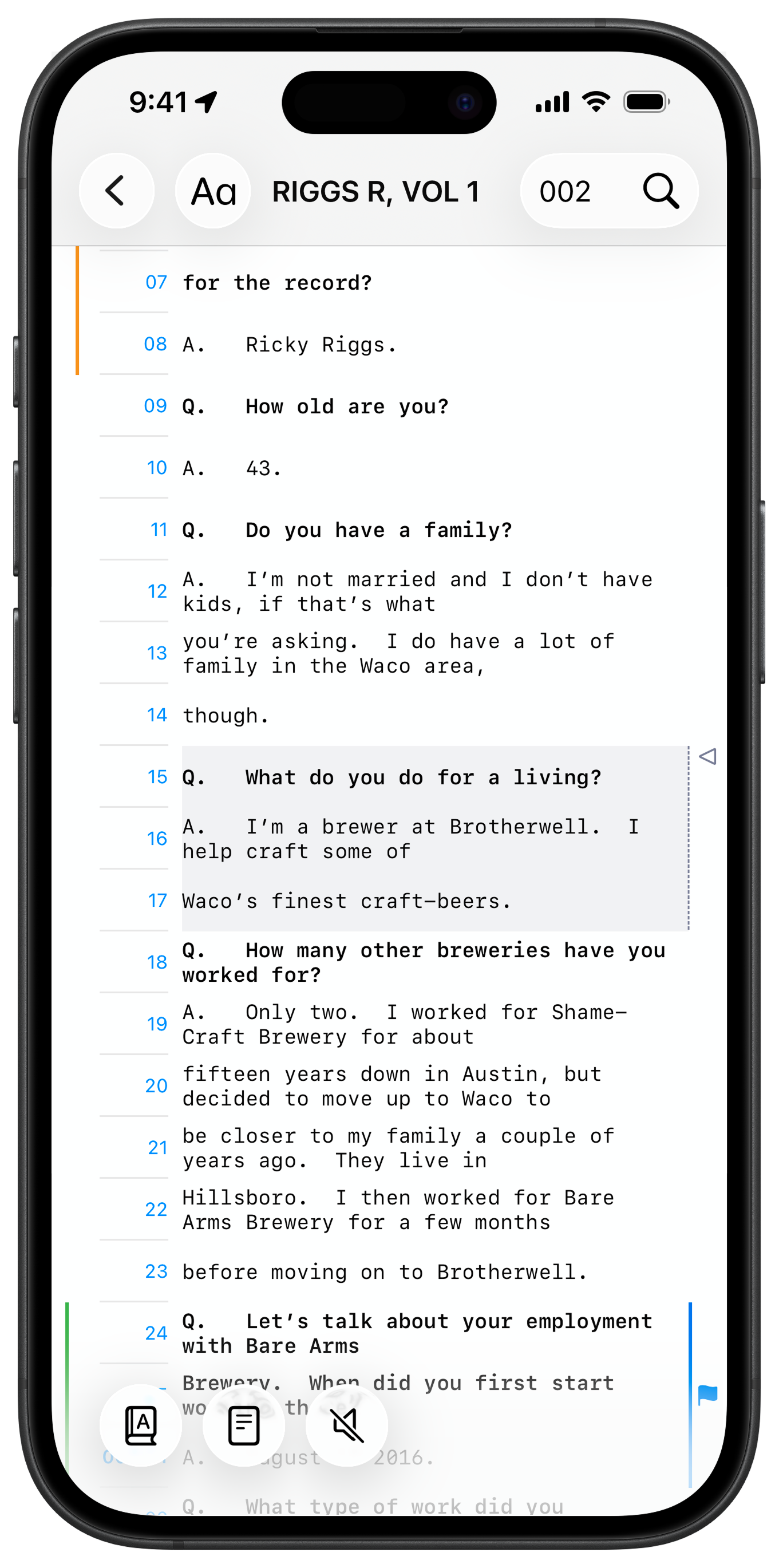
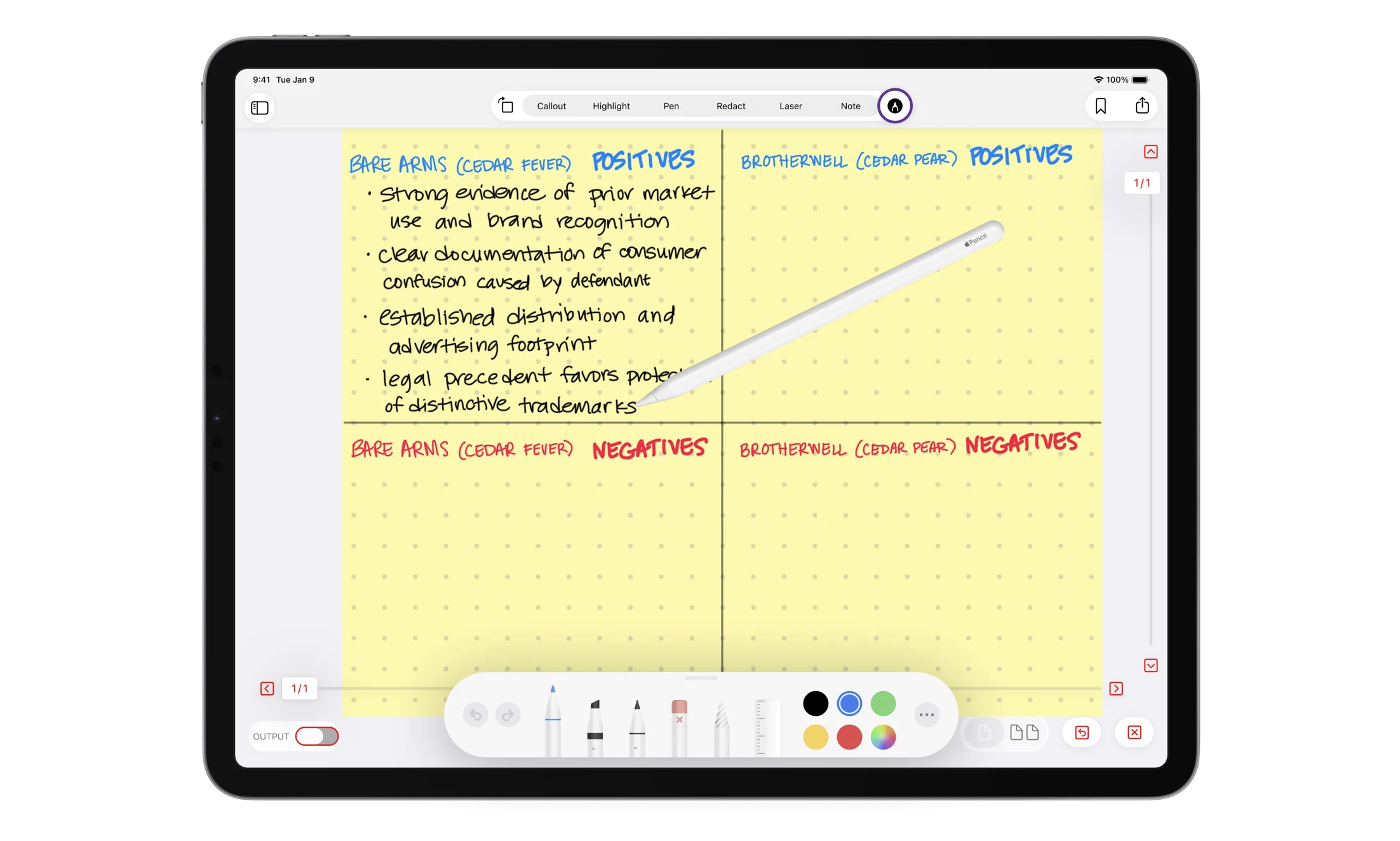
iPadOS 26 makes running LIT SUITE apps smoother and more efficient, and without it, you won't be able to take advantage of great new tools that we are bringing to the apps in the form of updates. We've already introduced a new Index feature in TranscriptPad, new Whiteboard options with changes to orientation, background, and more in TrialPad, and new Markup Tools with robust Apple Pencil support for handwritten notes and annotations in DocReviewPad and TrialPad. We’ve also released TranscriptPad for iPhone for the first time, which requires iOS 26, making it easier than ever to review and work with transcripts on the go. And there's a lot more to come in 2026!
Professional Hardware for Professional Results
If your iPad is a key part of how you represent your clients and conduct your law practice, using outdated hardware or an unsupported operating system can mean missing out on performance, security, and compatibility with the latest features in LIT SUITE apps. The minimum requirement for running our apps is simply an iPad capable of updating to iPadOS 26, but we highly recommend the latest iPad Pro models as outlined in our Help Center article on device requirements.
Upgrading ensures you stay current with Apple’s software updates (typically supported for about five years on recent models), giving you the longevity and security you need for serious work.
Start the Year with a Tech Refresh
The new year is the perfect moment to clean out old tech and invest in new gear that supports your work:
📍Update to iPadOS 26 via Settings > General > Software Update.
📍Upgrade to a newer iPad model if your device can’t run iPadOS 26 — it’s an essential foundation for reliable, professional work.
📍Pair with Apple Pencil and accessories like Magic Keyboard to further enhance productivity and precision with LIT SUITE apps.
Don’t forget, the same guidance applies to macOS 26 as well: keeping your Mac updated and using supported, professional hardware ensures you get the best performance and newest features across the entire LIT SUITE.
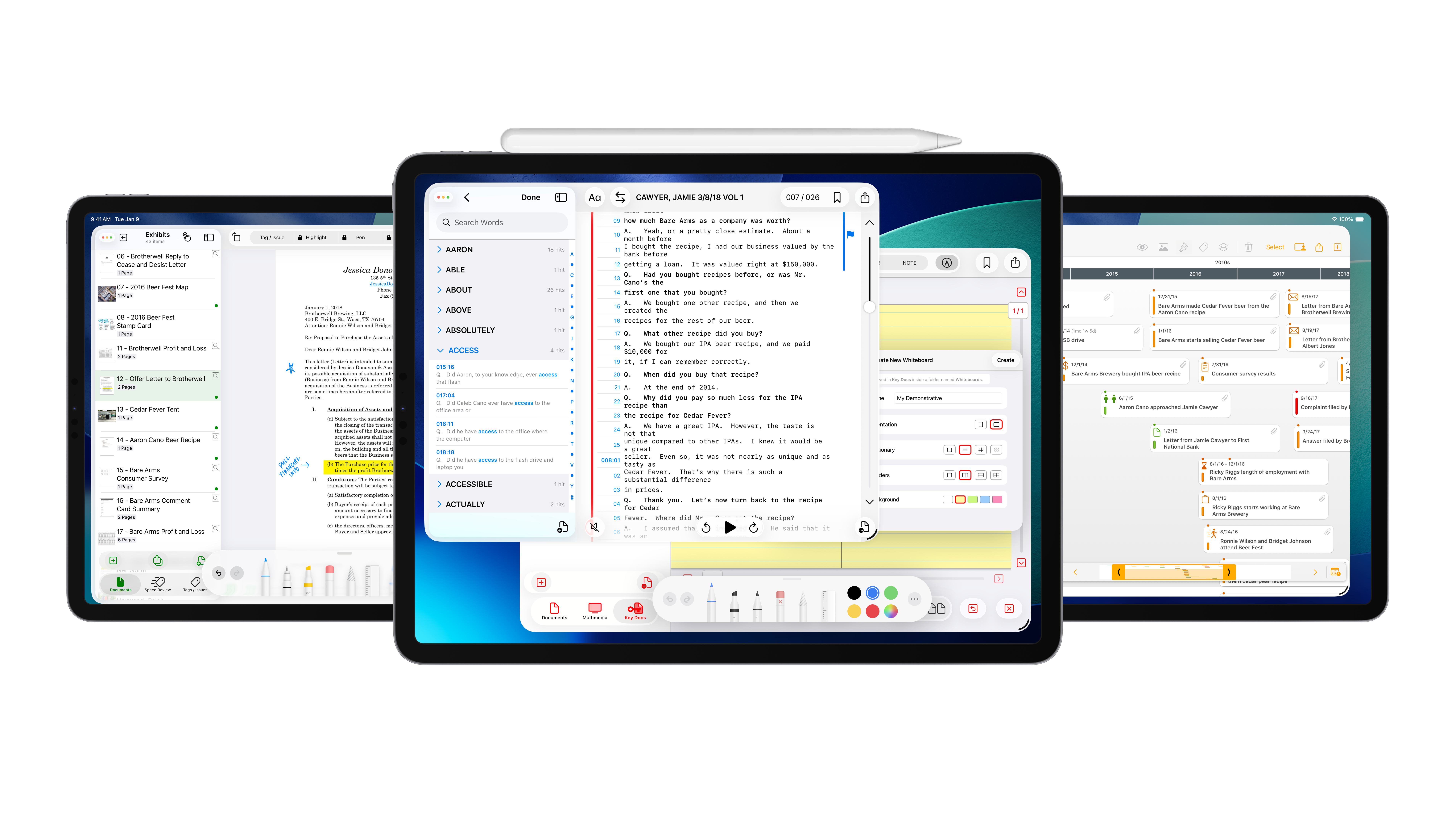
Whether you’re annotating evidence in DocReviewPad, summarizing transcripts in TranscriptPad, creating timelines in TimelinePad, or presenting evidence in TrialPad, professional hardware paired with the latest software keeps you sharp and ready for whatever the year brings. By starting 2026 with the right hardware and software foundation, you’ll be better positioned to serve your clients and streamline your legal workflows. Let’s make this your most productive year yet with LIT SOFTWARE!
Learn more about device requirements:
https://support.litsoftware.com/ipad-device-requirements
Read more about the exciting updates coming to iPadOS and macOS:
https://www.litsoftware.com/blog/exciting-updates-coming-to-ipados-and-macos
Check out the review of TranscriptPad for iPhone by iPhoneJD:
https://www.iphonejd.com/iphone_jd/2025/12/transcriptpad-iphone